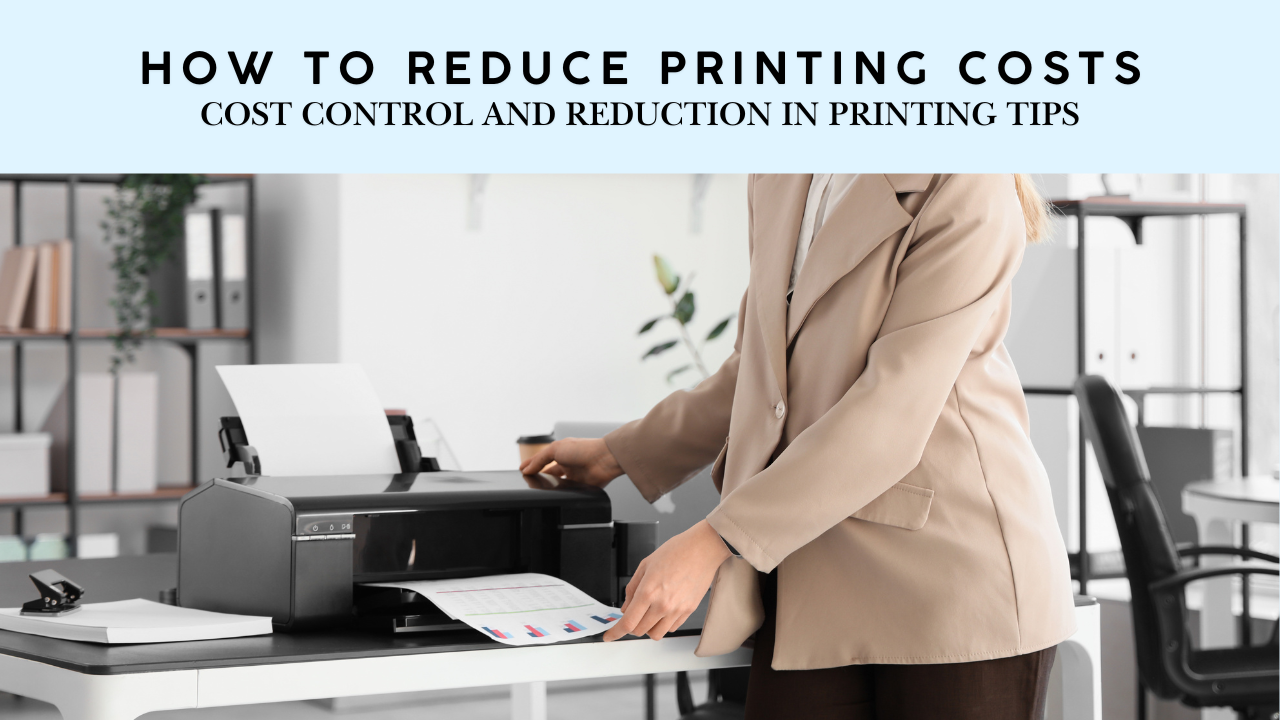
Printing plays a critical role in day-to-day business operations. Yet, many organizations underestimate how much they spend on printers, ink, toner, paper, maintenance, and electricity. Without proper oversight, printing costs quietly increase and chip away at operating budgets.
The reality is simple. With the right strategy, businesses can significantly reduce printing expenses, improve document security, and streamline workflows.
Below are proven cost-control strategies, along with how eCopier Solutions helps companies optimize print environments through Managed Print Services (MPS).
Start With Visibility: Understand Your Current Print Usage
You cannot reduce printing costs until you understand where they come from. Begin by auditing your print environment to track who is printing, what is being printed, and how frequently, so you can identify waste and target high-cost areas.
Conduct a Print Audit
A print audit helps you map current habits and uncover inefficiencies.
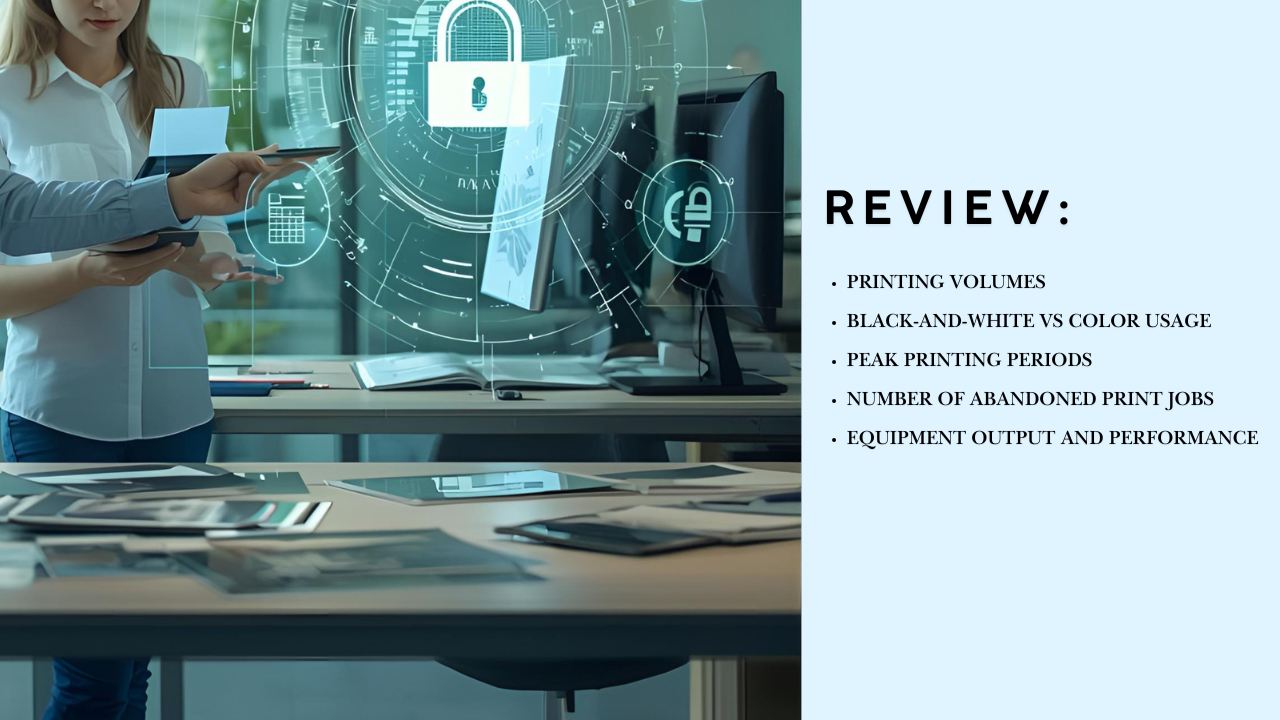
Review:
- Department and employee printing volumes
- Black-and-white vs color usage
- Peak printing periods
- Number of abandoned print jobs
- Equipment output and performance
Many businesses discover surprising waste, such as color prints for simple internal emails or overflow workloads hitting expensive desktop printers instead of high-efficiency multifunction devices.
Create Cost-Saving Print Policies
Clear print policies guide employee behavior and reduce unnecessary printing. Set rules around color use, default duplexing, and job release so teams stay mindful of cost-efficient printing practices.
Default to Black and White and Duplex
Set devices to:
- Print double-sided
- Print in black and white documents unless color is specifically selected
This simple change reduces paper waste and color toner consumption.
Limit Color Printing Access
Color printing costs significantly more. Restrict access to departments that genuinely need it, such as marketing or design.
Implement Print Quotas
Print quotas keep usage intentional. They encourage staff to think twice before printing long reports, emails, or multiple drafts.
Right-Size and Modernize Your Printer Fleet
Using the wrong mix of printers increases operating costs. Evaluate your device fleet to ensure each device matches your volume needs and remove or replace any units that are detrimental to yoyr operational efficiency.
Consolidate Underused Devices
Over time, businesses accumulate printers they no longer need. Too many devices mean:
- Higher maintenance costs
- Higher supply consumption
- Increased network support burden
Consolidating ensures each machine adds value and reduces overhead.
Replace Outdated Equipment
Older printers are costly to run and lack modern efficiency and security. Newer devices offer:
- Lower energy consumption
- Faster speeds
- Better duty cycles
- Secure print release capabilities
- Cloud and mobile connectivity
Reduce Waste and Improve Accountability
Wasteful printing habits increase costs fast. Promote mindful printing and reinforcement systems to help employees print only what is necessary.
Enable Secure Print Release
Secure print release prevents documents from printing until the user authenticates at the device. This reduces:
- Abandoned print jobs
- Duplicate prints
- Confidential document exposure
Track Usage Per User or Department
Publishing monthly usage insights encourages responsible printing. When employees see their usage data, waste declines naturally.
Adopt Digital Workflows to Replace Printing
The most cost-effective print job is the one you never need to print. Encourage teams to choose digital workflows first, such as shared files, electronic signatures, and digital notes, so printing becomes an intentional decision instead of a default habit.
Promote Digital Sharing and Collaboration
Encourage digital alternatives for:
- Internal memos and reports
- Approvals and reviews
- Digital signatures
- Document routing
- Internal storage
Use Scanning, Cloud Storage, and E-Signatures
Replace paper-based processes with:
- Scan-to-email or scan-to-cloud
- Electronic signatures
- Shared cloud folders
- Document workflow automation
Manage Supplies Strategically
Ink, toner cartridges, and paper account for a large share of printing costs. Standardize supplies, monitor usage, and choose high-yield, cost-efficient options to keep ongoing expenses under control.
Standardize Supplies and Vendors
Using consistent toner types and purchasing from a single provider lowers cost and complexity.
Automate Toner Replenishment
Ordering supplies manually often leads to overbuying or emergency rush orders. Automatic replenishment based on actual usage solves this problem.
eCopier Solutions includes automated supply delivery in MPS programs, ensuring timely stock without waste.
Recycle Where Possible
Recycling paper and cartridges supports sustainability goals and reduces waste management costs.
Why Managed Print Services Maximizes Savings
While individual improvements help, the most effective way to reduce printing costs is to partner with an MPS provider. Print management solutions brings long-term savings by managing printers, supplies, maintenance, workflows, and security in one structured program.
How eCopier Solutions Helps Businesses Save
With eCopier Solutions, you get:
- Comprehensive print audits and reporting
- Device right-sizing and fleet optimization
- Secure printing and user authentication
- Automated supply replenishment
- Equipment upgrades without major capital costs
- IT support for printers
- Workflow digitization and scanning solutions
- Predictable monthly printing costs with no hidden costs
Our goal is simple: reduce waste, boost productivity, and help your business control printing with cost-effective devices with a customized plan.
Final Thoughts
Reducing printing costs is not a one-time task. It requires consistent monitoring, smart policies, and modern technology. With strategic planning and expert support, your business can achieve measurable savings while improving efficiency, security, and sustainability.








.webp)


.png)