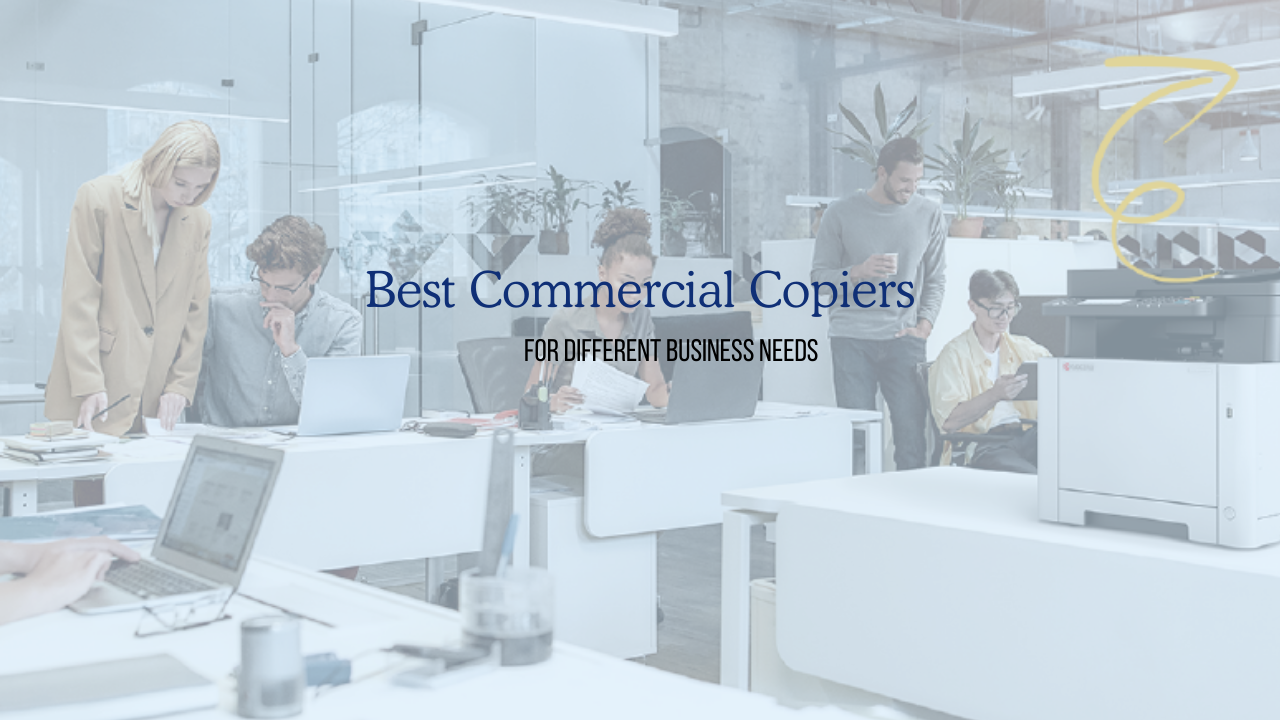
In this guide, we break down the best commercial copiers, what features matter most, and how to choose the right one for your space.
These essential pieces of office equipment are critical for seamless operations, impacting everything from document creation and distribution to information management and security.
This comprehensive guide will help B2B buyers navigate the complex landscape of commercial copiers, highlighting key features, essential considerations, and top recommendations to ensure you invest wisely.
📊 Best Commercial Copiers at a Glance
Features To Consider
Whether you are buying or leasing, selecting the best commercial copier requires a thorough understanding of your specific business environment. You have to consider what your team needs and how different features can enhance your daily operations.
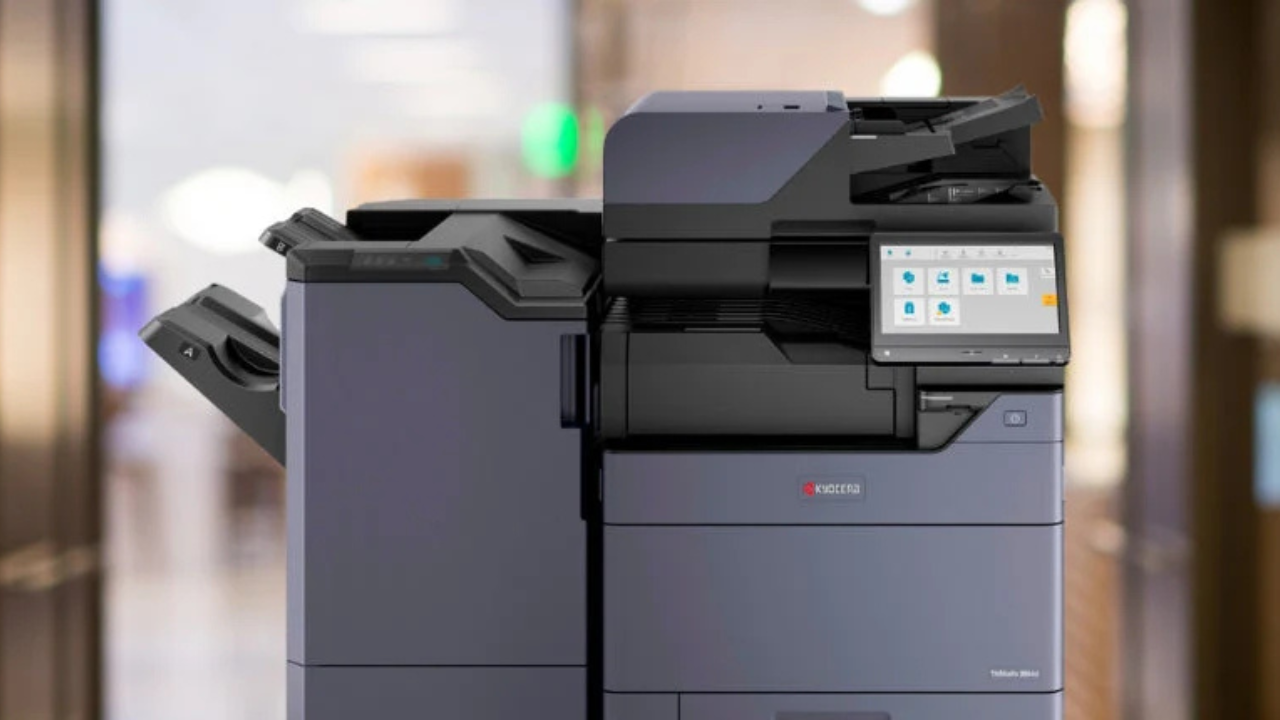
Speed and Volume
The print speed of a commercial copier, measured in pages per minute (ppm), is a critical factor, especially in busy office environments. A slow print speed can lead to bottlenecks, disrupting workflows and reducing overall team productivity.
For regular office use, machines offering between 30-60 ppm provide excellent performance. However, for businesses with very heavy workloads, such as large departments or organizations with high print demands, looking for copiers with 60+ ppm is advisable.
Equally important is the monthly duty cycle, which indicates the maximum number of pages a copier is designed to handle reliably each month.
Multifunctionality
Modern office copiers are increasingly sophisticated multifunction printers (MFPs), combining multiple devices into a single unit. When evaluating an all-in-one office copier, consider the core functions you require:
- Copy, Print, Scan, and Fax: Most commercial copiers offer these features. Assess the quality and speed of each function.
- Color vs. Monochrome: If your business produces marketing materials, presentations, or documents requiring visual impact, a color printer or color copiers are essential. For internal documents where color isn't necessary, black-and-white models are often more cost-effective per page.
- Paper Handling: This encompasses the capacity of paper trays, the types of media the copier can handle (e.g., cardstock, envelopes, labels). Advanced paper handling capabilities, such as A3 paper handling, can be vital for businesses that regularly work with larger documents.
Connectivity
Modern office equipment must integrate effortlessly with your existing network infrastructure.
Look for:
- Network Connectivity: Standard Ethernet ports are essential for integrating the copier into your wired network.
- Wireless Connectivity: Wi-Fi-enabled copiers offer greater flexibility in placement and are ideal for offices where running cables is not feasible.
- Mobile Printing: Support for mobile printing allows users to print directly from their smartphones and tablets, enhancing convenience and flexibility, especially in hybrid work environments.
- Cloud Integration: Advanced digital copiers can integrate with cloud platforms, enabling features like cloud printing and direct document saving to services like DropBox Corporate.
Cost and Maintenance
While the upfront purchase price of a commercial copier is a significant factor, it's imperative to consider the total cost of ownership (TCO).
This includes not only the initial investment but also ongoing expenses such as:
- Consumable Costs: Toner, ink, and drum replacement costs can vary significantly between models and brands. Evaluate the cost savings associated with higher-yield cartridges.
- Maintenance Costs: Regular servicing, repairs, and the cost of replacement parts contribute to the TCO. Consider the availability and cost of service contracts and customer service.
- Energy Consumption: Modern office equipment is becoming increasingly energy-efficient. However, older or less efficient models can contribute to higher electricity bills and energy waste.
By analyzing the TCO, businesses can make a more informed decision, avoiding potentially higher long-term expenses despite a lower initial purchase price.
Best Copiers for Different Business Needs
There are many printer brands, each offering a diverse range of copiers tailored to various operational demands.
In this article, we will talk about Kyocera models. Understanding your business environment and workflow is key to selecting the most appropriate model from the ECOSYS and TASKalfa lines.
Small Office & Home Business
For small teams and home-based businesses, you need reliability, compact size, and low operating cost. These offices typically print under 5,000 pages per month and do not require complex finishing options.
Best for Small Teams: Compact Color Multifunction Printer
Example: ECOSYS MA5500ifx
Why it works for small offices:
- Up to 55 ppm print speed, monochrome output
- Compact footprint for tight spaces
- Strong mobile and cloud printing support
- Low cost per page with long-life components
- Compact footprint and Wi-Fi and mobile printing
If your business prints invoices, reports, and contracts daily but does not need tabloid-size output, this type of ECOSYS device delivers speed without taking over your workspace.
This multifunction copier shines when you need dependable everyday printing without the complexity of a large office copier. It’s a great entry-level color printer for businesses that require vibrant output for presentations or internal documents.
Best for Budget-Conscious Black-and-White Printing
Example: ECOSYS PA5500x
Best suited for:
- Internal documents
- Sharp text printing
- Low operating cost environments
This is ideal if your printing is primarily black-and-white forms, internal memos, or billing documents. It offers clean output, dependable networking, and simple management without unnecessary features.
Mid-Size Office & Workgroups
As your team grows, so do print volumes. Mid-size offices often need 10,000 to 30,000 pages monthly, along with faster scanning and more advanced workflows.
Best for Growing Teams Needing Color
Example: TASKalfa MA4500Ci
Why this works well:
- Around 45 ppm color and monochrome
- Intuitive touchscreen interface
- Strong scan-to-email and scan-to-cloud tools
- Secure printing features
This category of printer supports collaborative teams that frequently print proposals, presentations, and marketing materials.
Best for High-Use Departments
Example: TASKalfa MZ5001i
Designed for:
- 50 ppm output
- High monthly duty cycles
- Secure document workflows
- Expandable paper trays
If multiple departments share one machine, this level of performance prevents slowdowns during peak hours.
Best for Heavy Daily Volume
Example: TASKalfa MZ6001i
Key strengths:
- Up to 60 ppm monochrome
- Fast dual-scan document feeder
- Enterprise-level security
- Robust monthly volume capacity
This is a strong fit for accounting teams, schools, and operations-heavy offices.
High-Demand & Enterprise-Scale
Large organizations require machines that operate all day with minimal downtime. These printers support multiple users, advanced finishing, and high-capacity paper handling.
Best for Large Color-Critical Offices
Example: TASKalfa MZ7001ci
Ideal for:
- Up to 70 ppm color output
- Advanced finishing options
- Large paper capacity
- High-resolution graphics
Marketing departments and corporate offices benefit from the vibrant color accuracy and production-level consistency.
Best for Enterprise Monochrome Production
Example: TASKalfa 9003i
Built for scale:
- Extremely high ppm output
- Massive paper capacity
- Advanced finishing and booklet making
- Designed for continuous operation
This type of high-speed printer is best for centralized print rooms or organizations producing thousands of pages daily.
Additional Models Worth Considering
Depending on your workflow, these models may also fit specific needs:
- TASKalfa MZ4001i – Balanced 40 ppm performance for mid-level volume
- TASKalfa MZ4001ci – Reliable color for collaborative offices
- TASKalfa MZ6001ci – High-speed color for demanding teams
- TASKalfa MZ2501ci – Compact A3 color for smaller spaces
Each fits a specific operational tier. The best choice depends on print volume, required features, and available space.
Final Take: Picking the Right Copier for Your Situation
Choosing the best commercial copier requires more than comparing speeds. You need to evaluate:
- Monthly print volume
- Color vs. monochrome needs
- Finishing requirements
- Security standards
- Future growth plans
For small businesses or home offices, an ECOSYS model often delivers the right mix of efficiency and cost control. Mid-size offices benefit from the flexibility of TASKalfa multifunction printers. Large enterprises require high-speed systems designed for nonstop production.
If you are unsure which model aligns with your workflow, consult with a copier specialist who can assess your actual usage data. The right recommendation prevents overspending and eliminates performance bottlenecks.
Contact us to explore options tailored to your business, visit.




.webp)

.png)