
An MFP, or Multi-Function Printer, is a single device that combines printing, scanning, copying, and sometimes faxing into one machine. It is honestly like a busy office helper that can wear multiple hats without ever getting tired. You see, instead of using separate equipment for each task, an MFP brings everything together to simplify how you handle documents.
If you are trying to simplify your office setup or improve how you handle documents, understanding how an MFP works is a strong starting point. This guide explains what an MFP is, how it works, and how to choose the right one for your business needs.
What Does MFP Mean?
Let's start with what it actually means. MFP stands for Multi-Function Printer. Think of it as a Swiss Army knife for office tasks.
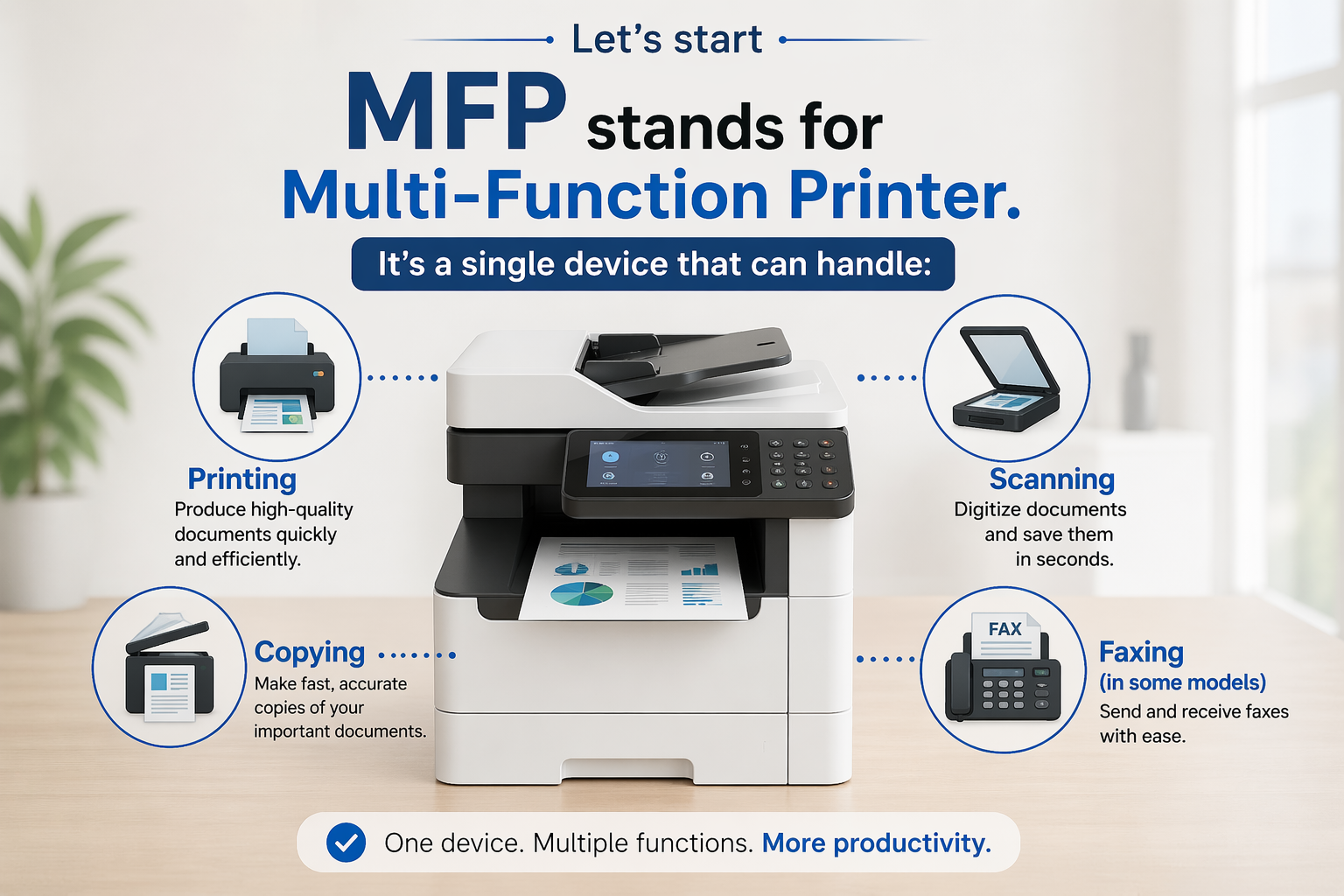
It’s a single device that can handle:
- Printing
- Scanning
- Copying
- Faxing in some models
Instead of managing multiple machines, an MFP centralizes your document workflow into one system.
Leading brands like HP, Canon, and Brother offer MFPs designed for both small businesses and professional home offices.
How an MFP Works in a Business Setting
An MFP integrates several components into one efficient workflow system:
- Print engine produces documents quickly using ink or toner
- Scanner unit digitizes paperwork for storage or sharing
- Control panel manages tasks and settings
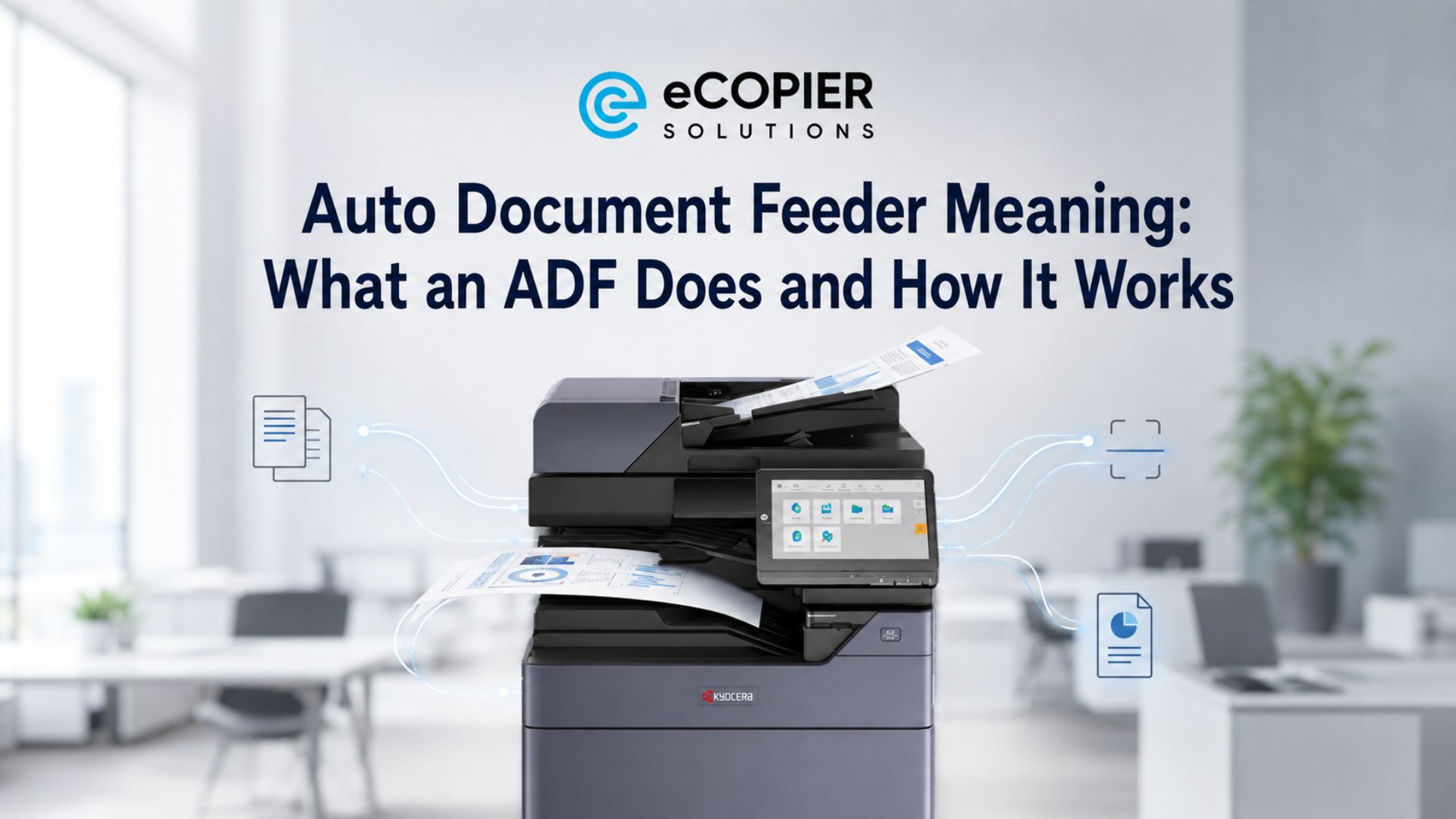
- Automatic Document Feeder (ADF) processes multi-page documents
In a business setting, this means you can print invoices, scan signed contracts, and send files without switching devices or slowing down your workflow.
Types of MFPs
At this point, we can establish that this is a really helpful piece of office equipment. Let's now look into the types of MFPs in the market.
There are a couple of new ones now, but we have gathered the most common types in this section.
This is helpful, especially if you are trying to choose the right type of MFP for your business needs.
Inkjet MFPs
Inkjet Multi-Function Printers are a great fit for homes, small offices, or anyone who prints in smaller batches but still wants vibrant, detailed output.
Best for:
- Low to moderate printing needs
- Marketing materials like flyers, brochures, and posters
- Color-rich documents and images
Inkjet MFPs shine when appearance matters. If you’re printing something that needs to look sharp and colorful, like a presentation or a product handout, this type delivers strong visual quality without requiring a big upfront investment.
Pros:
- Lower upfront investment, making it budget-friendly to get started
- Excellent color quality and fine detail for images and graphics
Cons:
- Ink can be expensive over time, especially with frequent use
- Slower performance when handling large print jobs
In short, inkjet MFPs are like the creative artists of the printer world, great at producing beautiful results but not built for nonstop heavy workloads.
Laser MFPs
Laser Multi-Function Printers are designed for speed, efficiency, and handling large workloads with ease. They are commonly found in busy offices where printing is a daily necessity.
Best for:
- High-volume printing environments
- Text-heavy documents such as invoices, contracts, and reports
- Businesses that prioritize speed and efficiency
Laser MFPs are built for productivity. They excel when you need a steady stream of documents printed quickly and consistently without worrying about running out of toner too often.
Pros:
- Fast print speeds, especially for large documents
- Lower cost per page over time, making it cost-efficient for heavy use
Cons:
- Higher initial purchase cost
- Typically larger and takes up more space than inkjet models
Think of laser MFPs as the workhorse of the office, not flashy, but incredibly reliable when it comes to getting serious work done efficiently and at scale.
Key Features That Matter for Business Use
When choosing an MFP for your business or home office, focus on features that improve efficiency. We have combined a list that we strongly suggest your MPFs should have.
Wireless and Network Connectivity
- Connect multiple users to one device
- Print from laptops, phones, and tablets
- Supports remote and hybrid work setups
This is useful in small offices where everyone shares one printer. Staff can print directly from their own devices without transferring files.
Automatic Document Feeder (ADF)
- Scan or copy multi-page documents quickly
- Essential for contracts, reports, and forms
Perfect for long documents like contracts or reports. You load everything once and let the machine handle the rest.
Duplex Printing
- Prints on both sides automatically
- Reduces paper costs and waste
Useful for printing invoices or reports in bulk. It helps reduce paper use without extra effort.
Cloud Integration
- Scan directly to platforms like Google Drive or OneDrive
- Access files anytime, anywhere
- Supports collaboration and backups
Great for teams working remotely or sharing files. Scans are instantly available in the cloud for everyone to access.
Advanced Finishing Options
- Stapling, hole punching, or booklet creation on some models
- Ideal for presentations and client-facing documents
Helpful when preparing client documents or presentations. It makes materials look polished without needing outside printing services.
Benefits of Using an MFP for Your Business
Let’s now talk about what an MFP can do for your business. Most modern printers are already considered MFPs, but you might still be unsure if upgrading is really worth it.
The truth is, an MFP is not just about convenience. It directly impacts how efficiently your team works and how well you control printing costs, which can make a noticeable difference over time.
Space Efficiency
- Combines multiple machines into one
- Perfect for small offices and home workspaces
Cost Control
- Reduces equipment and maintenance expenses
- Uses less energy than running multiple devices
Improved Productivity
- Faster document handling
- Fewer interruptions from switching between devices
Streamlined Workflows
- Scan, send, and store documents in one step
- Integrates with digital filing systems
- Reduces manual processes
Professional Output
- Consistent print quality
- Supports business documents, marketing materials, and reports.
Common Mistakes Business Owners Make
Avoid these common issues when selecting an MFP:
- Underestimating print volume: Choosing a low-capacity printer can slow your operations
- Focusing only on upfront cost, long-term toner or ink costs matter more
- Ignoring network capabilities, a shared office needs strong connectivity
- Overlooking scalability. Your business may grow, so choose a device that can handle increased demand
Security Considerations
MFPs connect to your network, which makes security essential.
- Use password-protected access
- Enable secure print release if available
- Keep firmware updated
- Work with trusted providers for setup and monitoring
Even small businesses benefit from basic security practices to protect sensitive data.
Ready to Upgrade Your Business's Workflow?
An MFP is more than a printer. It is a central tool for managing documents, improving workflows, and supporting daily operations.
Whether you run a small business, manage a growing team, or operate from a home office, the right MFP can save time, reduce costs, and keep your work organized.
If you’re exploring options or need expert advice, visit eCopier Solutions to find solutions tailored to your business needs.
.jpg)




.webp)

.png)


