
As a business owner, you may be at a crossroads on whether you should choose between an inkjet and a laser printer, so let us break it down for you real quick.
Inkjet printers use liquid ink for vibrant photos and color, while laser printers use toner and heat for fast, sharp text. If you print occasionally or need color, go inkjet. If you print in volume, laser is the smarter long-term choice.
Seems easy, right? Let's deep dive a bit more.
Inkjet vs Laser Printer: Quick Overview
Okay, so this is more of an overview of the differences between an inkjet and a laser printer for business owners who want to generally know what type of printer they would need for their printing needs.
It seems like a lot of differences, but we will break it down further for you.
What Is an Inkjet Printer?
An inkjet printer uses liquid ink sprayed through microscopic nozzles onto paper to create text and images. It is also the most common type found in homes.
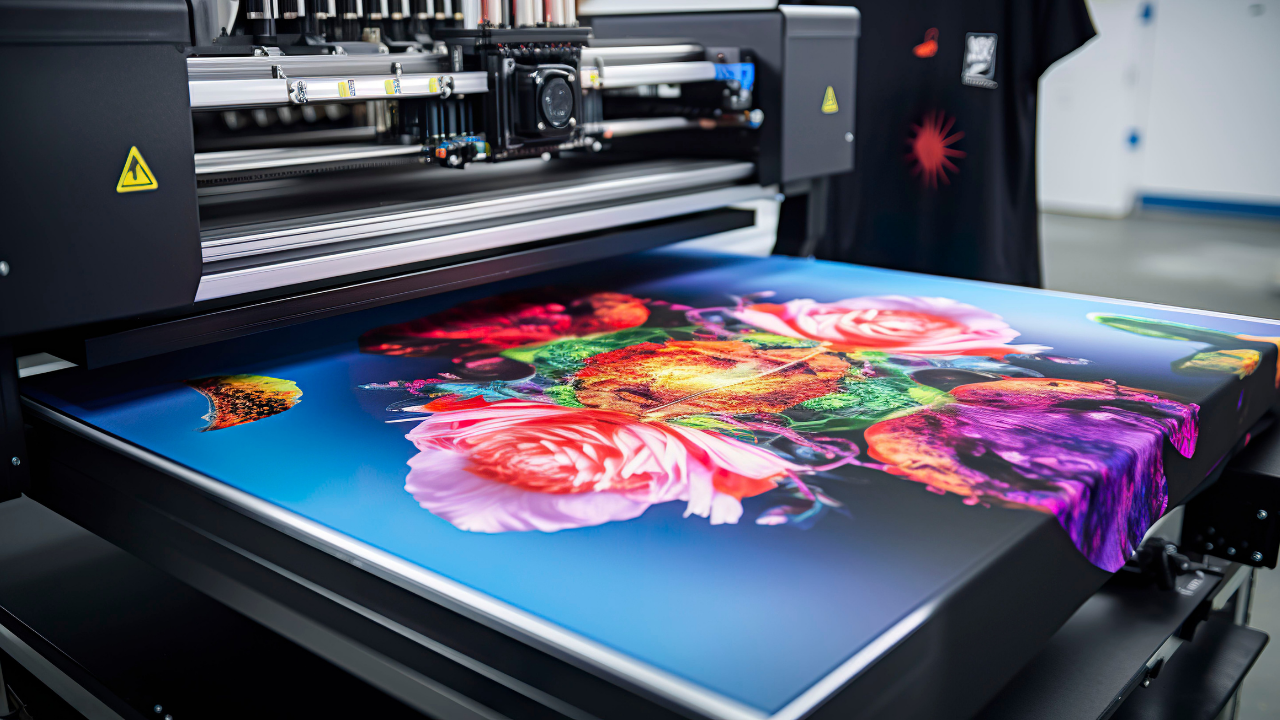
These nozzles can fire thousands of droplets per second, allowing for great detail, smooth gradients, and accurate color reproduction. To put it simply: the more dots, the clearer the image.
Most modern inkjet printers use either:
- Thermal inkjet technology (common in HP and Canon), which heats ink to create droplets
- Piezoelectric technology (common in Epson), which uses pressure instead of heat for more control
This precision is what makes inkjet printers ideal for photo printing and color-rich documents.
Why Business Owners Choose Inkjet Printers
When choosing printers, it usually comes down to what your business actually needs. Let's say you are a print-on-demand (POD) seller or a Print-on-Demand shop owner, you would most likely use an inkjet printer to produce highly vibrant prints.
Below are also the most common reasons why business owners would opt for inkjet printers:
- Excellent color and photo quality
- Lower upfront cost
- Compact and easy to fit in small spaces
- Great for mixed use like documents and images
Inkjet printers are especially useful for families, students, and creative projects where color matters.
Examples of Inkjet Printers
Many of the most popular home printers fall into this category, including:
- HP DeskJet and ENVY series for everyday home use
- Canon PIXMA series for photo printing and creative projects
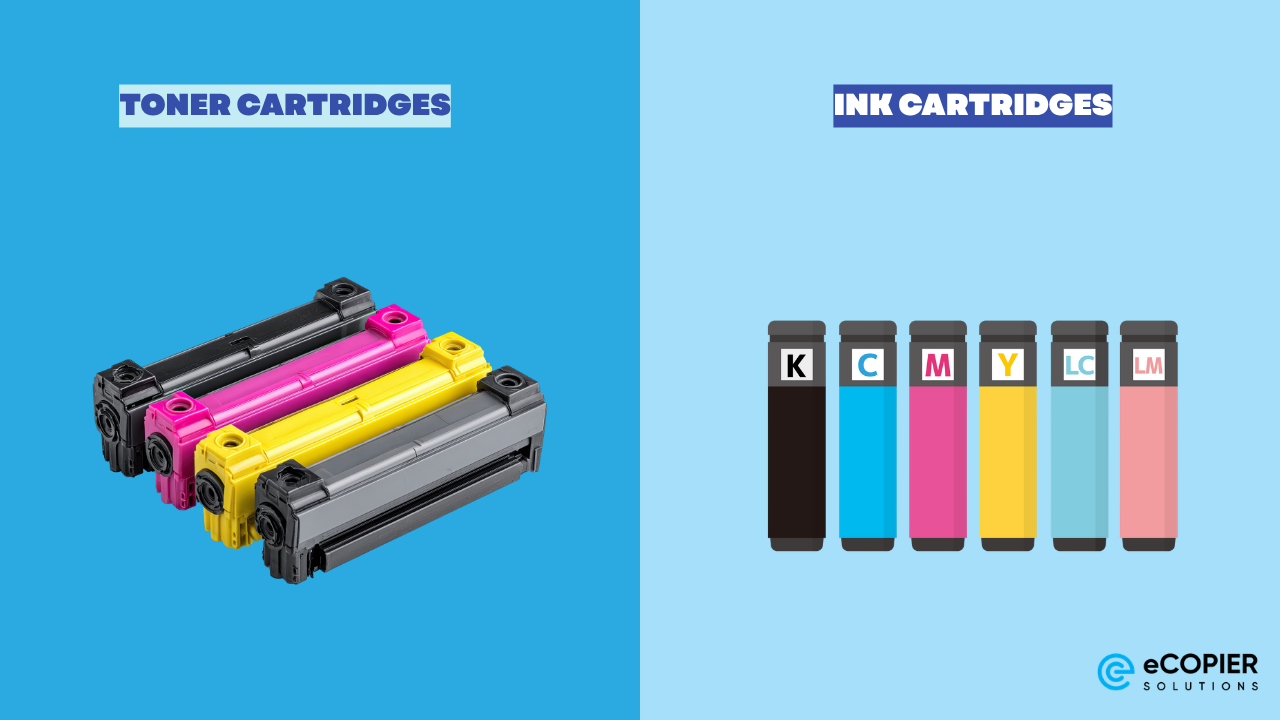
- Epson EcoTank series, which uses refillable ink tanks instead of cartridges for lower long-term costs
At eCopier Solutions, these types of inkjet and ink tank systems are commonly recommended for low- to moderate-volume printing, especially when color output is important.
Pros and Cons of Inkjet Printers
Pros
- Best-in-class photo and color quality
- Lower initial purchase cost
- Compact and space-saving
- Wide variety of models for home use
Cons
- Higher cost per page with traditional cartridges
- Slower print speeds compared to laser printers
- Ink can dry or clog if not used regularly
What to Watch Out For
- Ink cartridges can be expensive over time
- Slower print speeds for large jobs
- Ink can still dry out if not used regularly
Newer or more modern inkjets will be able to handle these issues better than older models, but you may still run into maintenance issues.
What Is a Laser Printer?
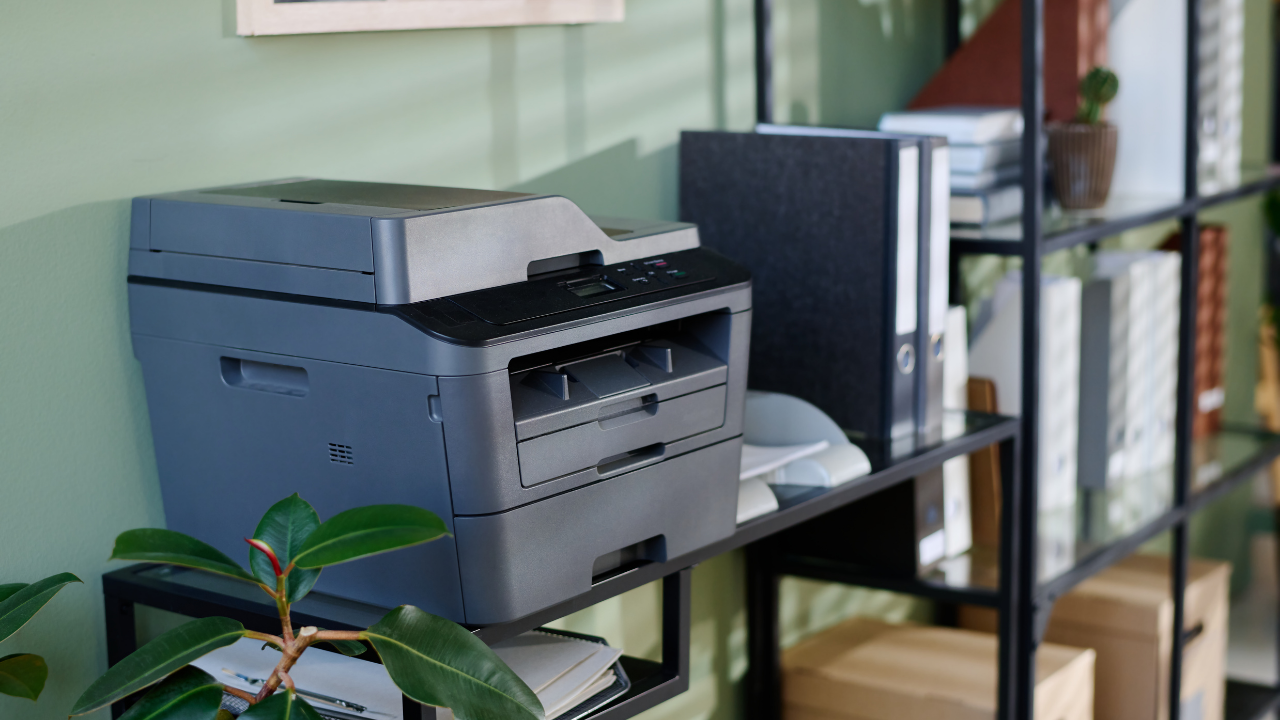
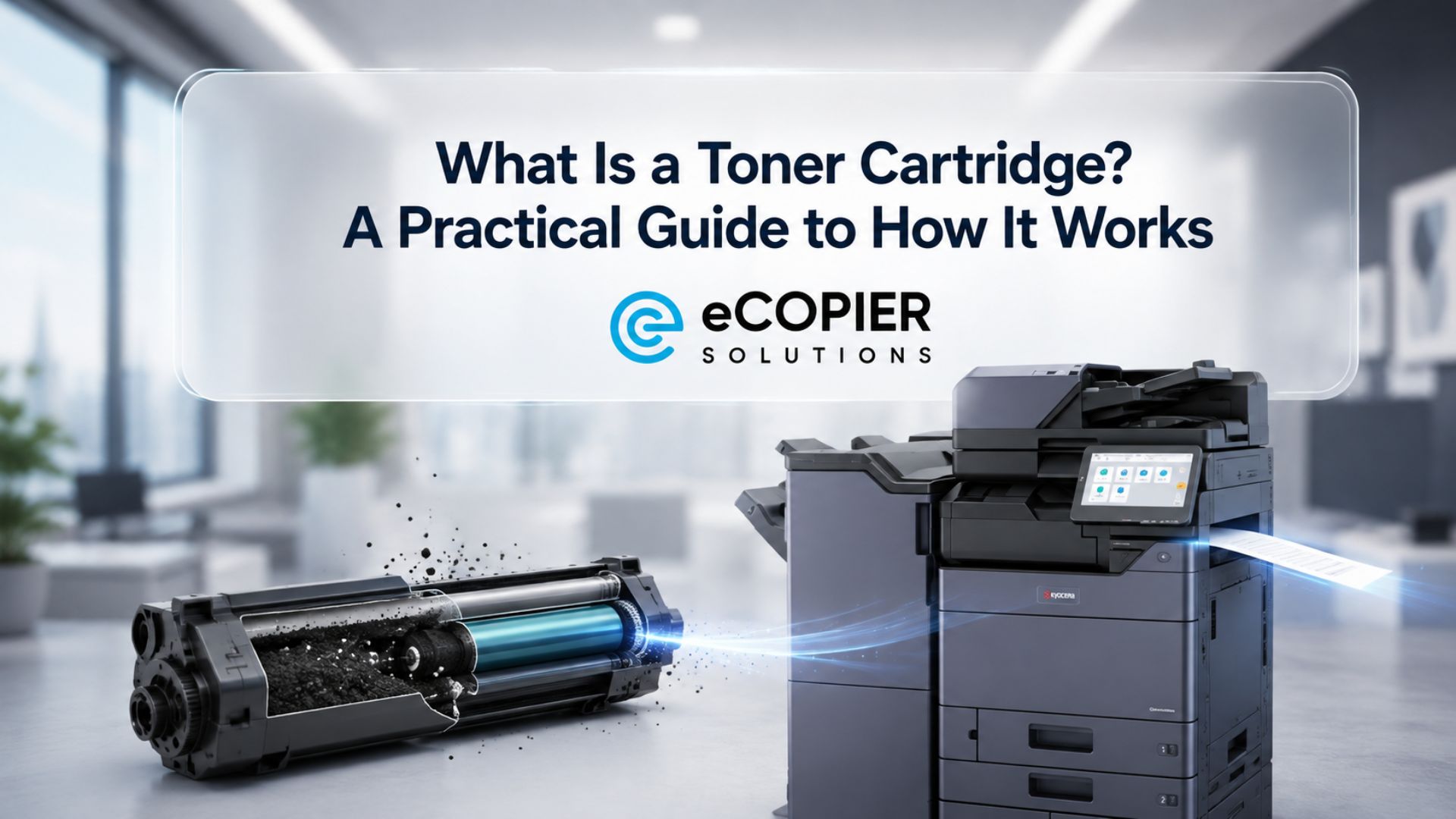
A laser printer uses electrostatic technology, toner powder, and heat to produce prints. Instead of spraying liquid ink, it uses a laser beam to create a charged image on a drum, which attracts toner particles and fuses them onto paper using heat.
This process allows laser printers to produce fast, precise, and smudge-resistant prints, especially for text-heavy documents.
Why Business Owners Choose Laser Printers
We may sound like a broken record, but it will still all boil down to what type of business you are running. Say, your business is a car dealership or even a clinic. You would most likely need a lot of printing at a speed that is fast enough not to keep your clients waiting.
Below are other reasons why business owners would opt for laser printers:
- Fast printing speeds
- Lower cost per page for high volume printing
- Sharp, professional looking text
- Reliable even with infrequent use
Pros and Cons of Laser Printers
Pros
- Fast print speeds for high-volume tasks
- Lower cost per page compared to inkjet
- Crisp, clean text output
- No risk of ink drying out
Cons
- Higher upfront cost
- Larger and heavier machines
- Color printing is less vibrant than inkjet
- Additional components like drums and fusers may need replacement over time
What Most People Overlook
Laser printers come with additional components that wear out over time:
- Fuser
- Drum
- Transfer belt in some models
These parts can be expensive to replace and are often not considered when buying the printer.
Inkjet vs Laser Printer: The Real Differences
We have now covered the basics of each type of printer, but it may seem like a jumble of words if they are not compared side-by-side. Here are the differences between inkjet and laser printers in terms of print quality, speed, cost, and more.
Print Quality
- Inkjet is best for photos and color-rich prints
- Laser is best for text and clean documents
If you print photos or graphics, inkjet is hard to beat. Choose this if you know you will print a lot of vibrant images.
We suggest going for laser printers instead if your business tends to print more contracts or reports to deliver sharper results.
Speed
- Inkjet is slower, especially on high page counts
- Laser is built for speed and volume
If you print frequently, this difference becomes noticeable very quickly. Go for laser printers if your business relies on efficiency when it comes to these things.
Cost
This is where most buyers make mistakes because the true cost over time is different for each piece of office equipment.
- Inkjet printers have cheaper upfront costs, but the ink expenses can be heavier in the long run
- Laser printers have higher upfront costs but have a lower cost per page
However, there is more to the story.
Laser printers may require replacement parts like drums and fusers. These costs are often ignored but can add up over time.
On the other hand, inkjet printers avoid those components but rely heavily on cartridge replacements.
The Hidden Cost
Buying such equipment may entail higher costs upfront, so you may get tempted to go for the cheapest one you can find. However, it is worth noting that many low-cost printers come with expensive cartridges. This is a common pricing strategy.
You might buy a printer for a low price, only to find that replacing the ink costs nearly the same as the printer itself.
Pro-Tip: Always check cartridge cost and page yield before buying.
Maintenance and Reliability
- Inkjet requires regular use to avoid clogging
- Laser is more forgiving if left unused
Both printers require different types of maintenance but always check in with your manufacturer.
Size and Setup
- Inkjet printers are smaller and lighter
- Laser printers are larger and heavier
For tight spaces, inkjet is usually easier to manage.
Real-Life Scenarios
Occasional Home Use
For occasional home use, such as printing tickets, homework, or the occasional document, an inkjet printer is often the most practical choice. It typically has a lower upfront cost and offers the flexibility to handle a mix of everyday tasks, including both text and simple color printing.
Work From Home or Small Business
If you run a small business where printing reports, invoices, or large volumes of text is common, a laser printer tends to be the better option. It delivers faster print speeds and becomes more cost-efficient over time, especially when handling frequent or high-volume jobs.
Photos and Creative Projects
For photos and creative projects like invitations or designs, an inkjet printer stands out due to its superior color quality and ability to capture fine details. It’s ideal for anyone who prioritizes vibrant, high-quality image output.
How to Choose the Right Printer
Now let's look at your options. Before buying, take a few moments to really sit down and evaluate your needs.
Ask Yourself These Questions
- How often do I print?
- Do I need color or just black and white?
- How many pages do I print per week?
- Do I have space for a larger machine?
These questions can be your starting point to see what you actually need.
Smart Buying Tips
It is tempting to go for the lowest-priced model. However, there are things to consider:
- Avoid the cheapest models
- Look for midrange printers for better value
- Check cartridge or toner page yield
- Calculate cost per page
- Avoid overly complex cartridge systems unless necessary
Midrange printers often provide the best balance of features, cost, and reliability.
Common Mistakes to Avoid
- Buying Based Only on Price
Cheap printers often lead to higher long-term costs - Ignoring Long-Term Costs
Always consider ink, toner, and replacement parts - Choosing the Wrong Type
Inkjet for low use, laser for high volume - Overlooking Features
Look for Wi-Fi, mobile printing, and cloud support
Simplify Printing with Managed Support
With higher-end laser printers comes the need for ongoing toner supply, maintenance, and monitoring. Managing this on your own can quickly become time-consuming and expensive.
That is why many users turn to Managed Print Services (MPS) from eCopier Solutions.
Instead of buying and maintaining everything yourself, MPS helps you:
- Get the right printer based on your actual usage
- Ensure timely toner replacement so you never run out
- Reduce downtime with proactive maintenance
- Control and predict your printing costs
For example, toner replacement is handled more efficiently through MPS. Rather than waiting until you run out or overstocking supplies, systems can track usage and ensure you get what you need at the right time.
The result is simple. Less hassle, fewer interruptions, and a printing setup that works the way it should.
Ready to Upgrade Your Printing Solutions?
Choosing the right printer can save you money and frustration in the long run.
If you want expert guidance and reliable options, visit eCopier Solutions to explore printers, compare models, and find the right solution for your home or business.




.webp)

.png)


