
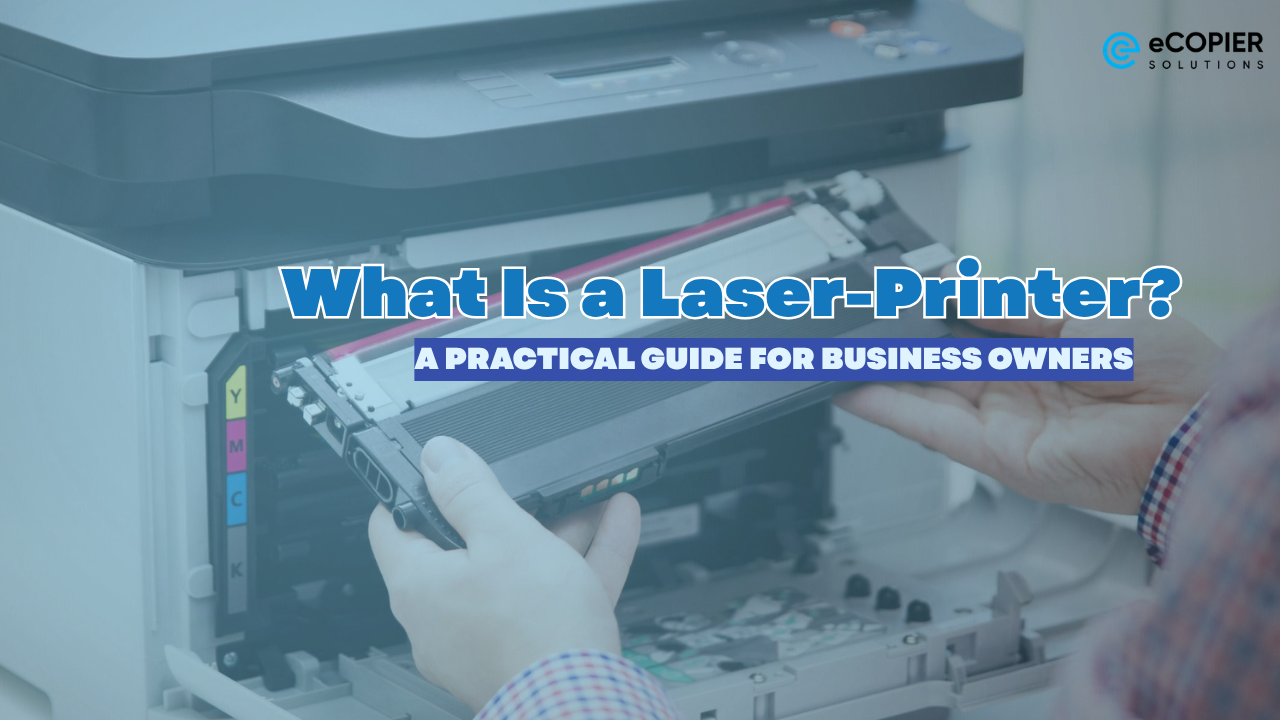
A laser-printer is a type of printer that uses a laser beam and toner powder to produce fast, precise, and smudge-resistant prints. Instead of liquid ink, it relies on heat to fuse toner onto the paper, which results in clean and professional-looking documents.
For business owners, this means consistent print quality, faster output, and lower long-term costs! Seems pretty neat, huh? This is especially great if you run a small home office or manage a growing team, since it can pretty much support daily operations without slowing you down.
Read on to understand how it works, what features matter, and how to choose the right one for your business.
How Does a Laser Printer Work?
This seems very techy, but we will break it down a bit easier for you. Laser printing is very efficient and reliable.
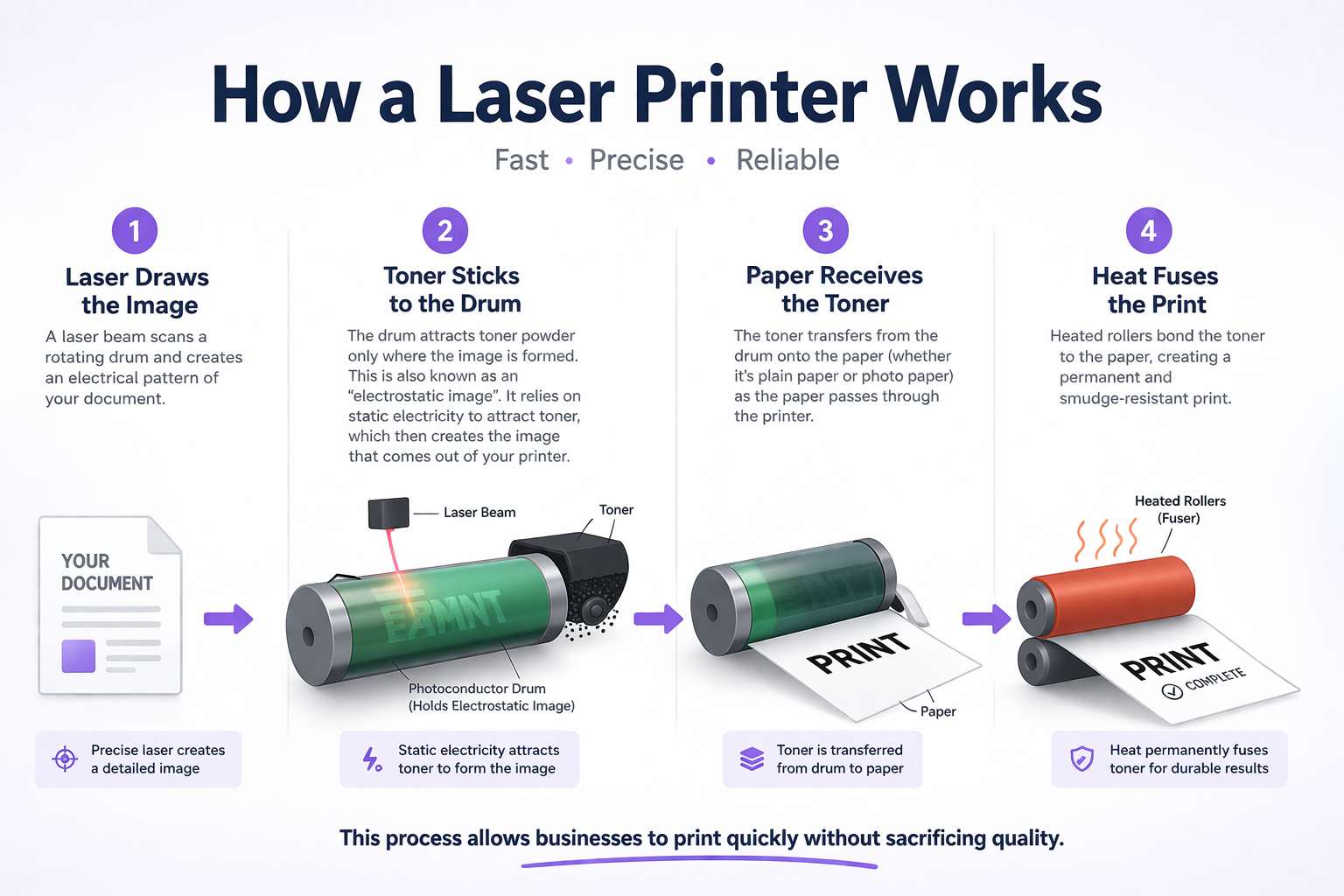
Step-by-Step Process
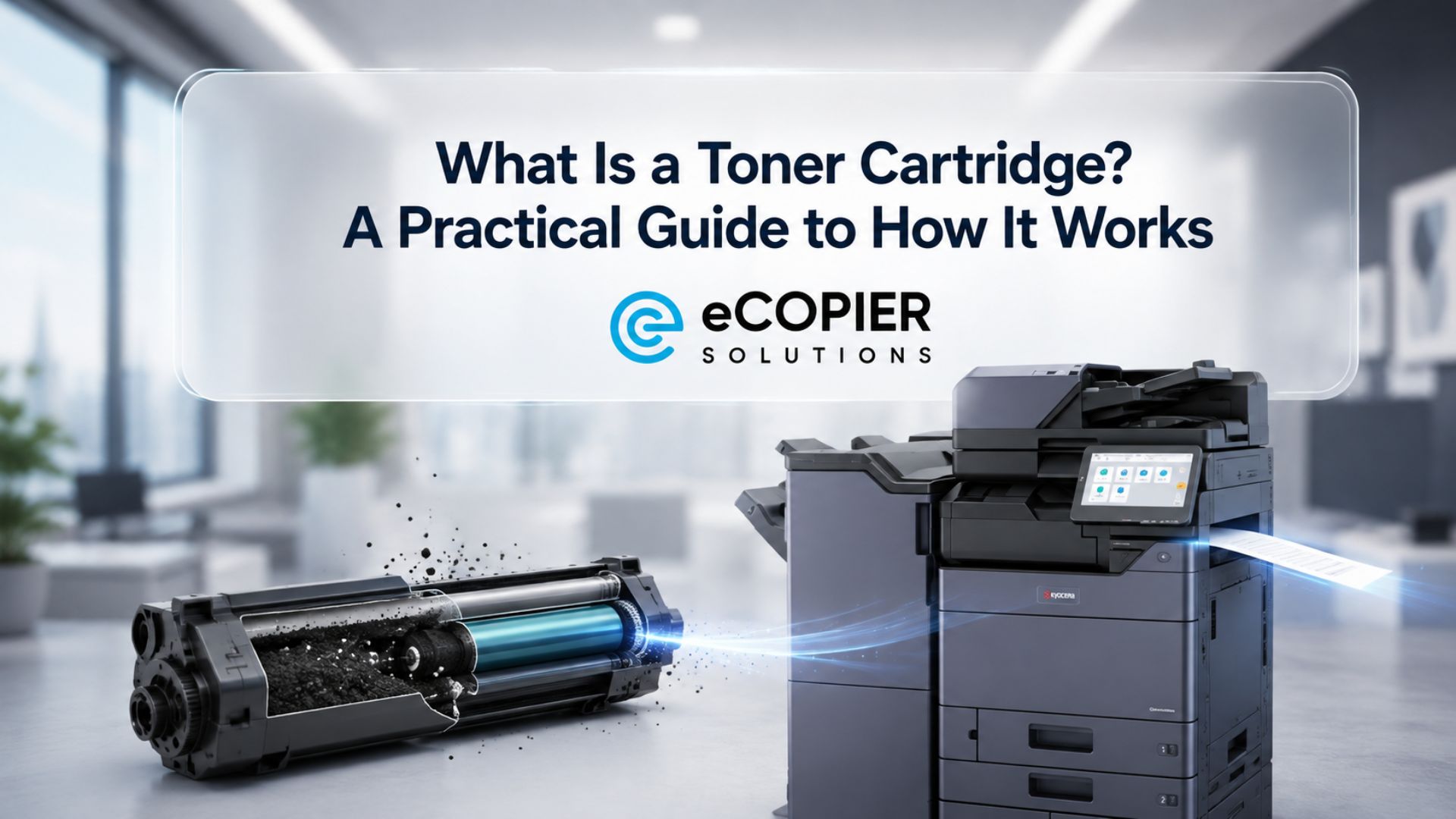
- Laser draws the image. A laser beam scans a rotating drum and creates an electrical pattern of your document.
- Toner sticks to the drum The drum attracts toner powder only where the image is formed. This is also known as an “electrostatic image”. It relies on static electricity to attract toner, which then creates the image that comes out of your printer.
- Paper receives the toner The toner transfers from the drum onto the photo paper or printer paper
- Heat fuses the print Heated rollers bond the toner to the paper, creating a permanent and smudge-resistant print.
This process allows businesses to print quickly without sacrificing quality.
Laser Printer vs Inkjet Printer for Business Use
A common question you may also ask is its difference between the inkjet printers.
Laser printers use toner powder and are designed for speed and consistency. They produce sharp, clean text and can handle high-volume printing with ease. This makes them a reliable choice for businesses that regularly print reports, invoices, contracts, and other document-heavy materials. Over time, they also offer a lower cost per page, which is important for managing operational expenses.
Inkjet printers, on the other hand, use liquid ink and are better suited for color-rich prints. They excel in producing detailed images and vibrant graphics, making them ideal for businesses that focus on design, marketing materials, or photo printing. However, they tend to print more slowly and often come with higher ongoing ink costs, especially with frequent use.
The difference becomes more noticeable in real business settings.
A small accounting firm that prints daily financial reports and client documents will benefit more from a laser printer due to its speed, efficiency, and lower long-term costs. In contrast, a creative business that prioritizes visual output may still rely on an inkjet printer for its superior color accuracy.
Types of Laser Printers for Different Business Sizes
Okay, let's say you are set on buying or leasing your printer. However, you're stuck with the many options you may have. Of course, not all laser printers serve the same purpose.
Below, we detail what type of printer you would need based on the size and printing needs that you may have for an easier match.
Small Business or Home Office
This setup is ideal for freelancers, consultants, or small business owners running operations from home.
- Type: Monochrome laser printer
- Benefit: Compact and affordable
- Best for: Invoices, forms, and basic documents
Growing Teams
This setup is ideal for startups, small offices, or service-based businesses with several employees handling shared printing tasks.
- Type: Color laser printer or entry-level multifunction printer
- Benefit: Supports color printing and multiple functions in one device
- Best for: Presentations, internal reports, and moderate daily printing
Medium to Large Businesses
This setup is ideal for established companies, corporate offices, or departments with high-volume and shared printing needs.
- Type: All-in-one laser printer with high duty cycle
- Benefit: Handles heavy workloads with scanning, copying, and network printing features
- Best for: Large document batches, multi-user environments, and continuous office operations
Key Benefits of a Laser Printer for Businesses
Speed and Productivity
Laser printers can produce 20 to 40 pages per minute or more. This keeps workflows moving, especially during busy periods.
Lower Cost Per Page
Toner cartridges last significantly longer than ink cartridges. This reduces operating costs over time, especially for businesses with high print volume.
Professional Output
Laser printers produce:
- Crisp text
- Clean lines
- Consistent quality across documents
This is important for client-facing materials such as contracts and reports.
Reliability
Laser printers are built for consistent use. They require less frequent maintenance and do not suffer from ink drying or clogging issues.
Durability of Prints
Printed documents are:
- Smudge-resistant
- Long-lasting
- Suitable for filing and handling
Important Features to Consider
When selecting a laser printer for your business, focus on features that support daily operations.
Resolution
Measured in DPI (Dots Per Inch), resolution affects print clarity. Most business needs are met with 600 to 1200 DPI, while higher DPI is useful for detailed graphics.
Duty Cycle
The duty cycle indicates how many pages a printer can handle per month.
- Small offices: lower duty cycle
- Larger teams: higher duty cycle required
Choosing the right duty cycle prevents breakdowns and extends the printer’s lifespan.
Wireless and Network Connectivity
Modern laser printers support:
- WiFi printing
- Network sharing
- Mobile device printing
This allows multiple team members to print without direct connections.
Duplex Printing
Automatic double-sided printing reduces paper usage and helps cut operational costs.
Paper Handling
Look for:
- Larger paper trays
- Multiple tray options
- Support for envelopes and labels
These features improve efficiency in business environments.
When Should Your Business Choose a Laser Printer?
A laser printer is a strong investment if your business:
- Prints documents daily
- Relies on text-heavy materials
- Needs fast turnaround times
- Wants predictable printing costs
- Requires consistent, professional output
When a Laser Printer May Not Be the Best Fit
Laser printers are not ideal in every case:
- Businesses focused on photo or design printing
- Very low-volume printing needs
- Limited office space or budget constraints
Real-World Scenario
Okay, in this section, we will give you an example of what kind of business would need an upgrade. A small consulting business struggled with slow printing and frequent ink replacements. The results are not so great.
Reports often looked inconsistent, and delays affected client deadlines.
After upgrading to a laser printer:
- Print speed improved significantly
- Costs became easier to manage
- Documents looked more professional
This simple change improved both productivity and client perception.
If you feel like you relate to this type of scenario, make sure to read on to find out the best solution for you.
Need Help Choosing the Right Printer for Your Business?
Selecting the right printer depends on your workload, team size, and daily demands. Making the wrong choice can lead to unnecessary costs and inefficiencies.
Visit eCopier Solutions to explore reliable printing solutions, get expert recommendations, and find the right setup for your business.
Streamline your printing and keep your operations running smoothly.




.webp)

.png)


