Does a Laser Printer Use Ink?
No, laser printers do not use liquid ink. They use toner powder, which is fused onto paper using heat and static electricity.
This difference affects:
- print quality
- maintenance
- printing speed
- long-term operating costs
In this article, we dive deep into how lasers work and if it could be beneficial for you.
What Does a Laser Printer Use Instead of Ink?
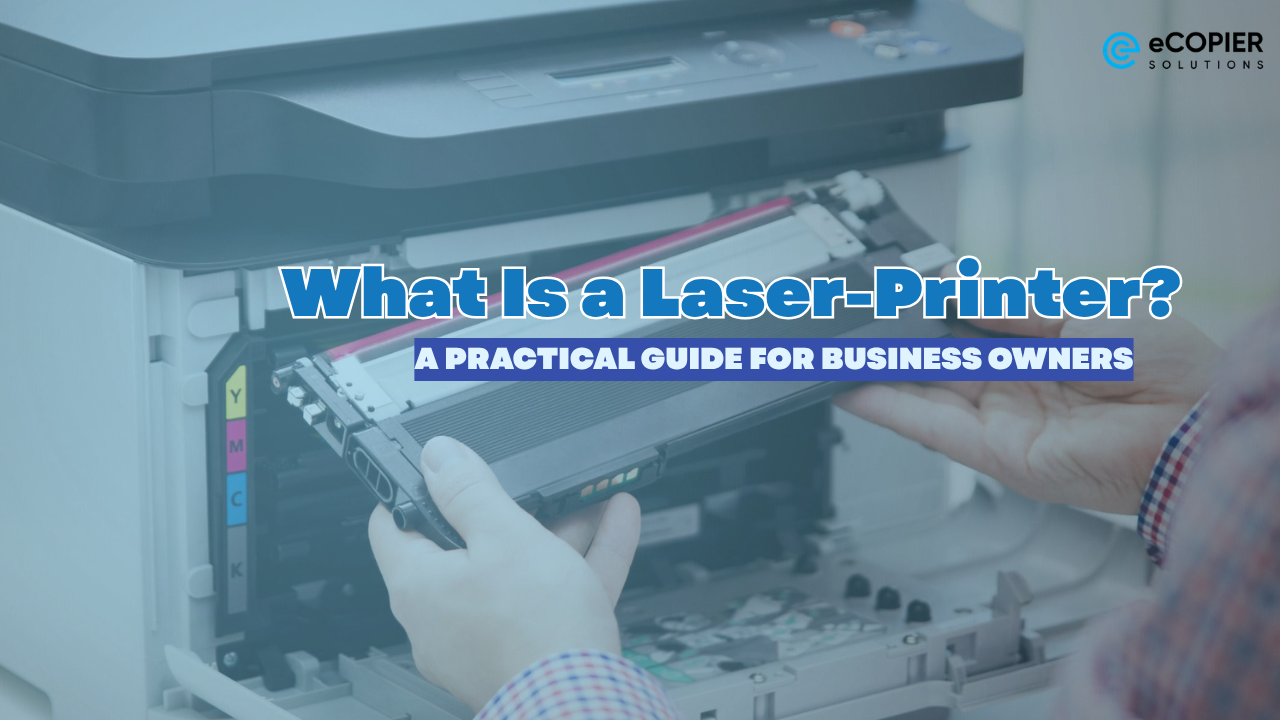
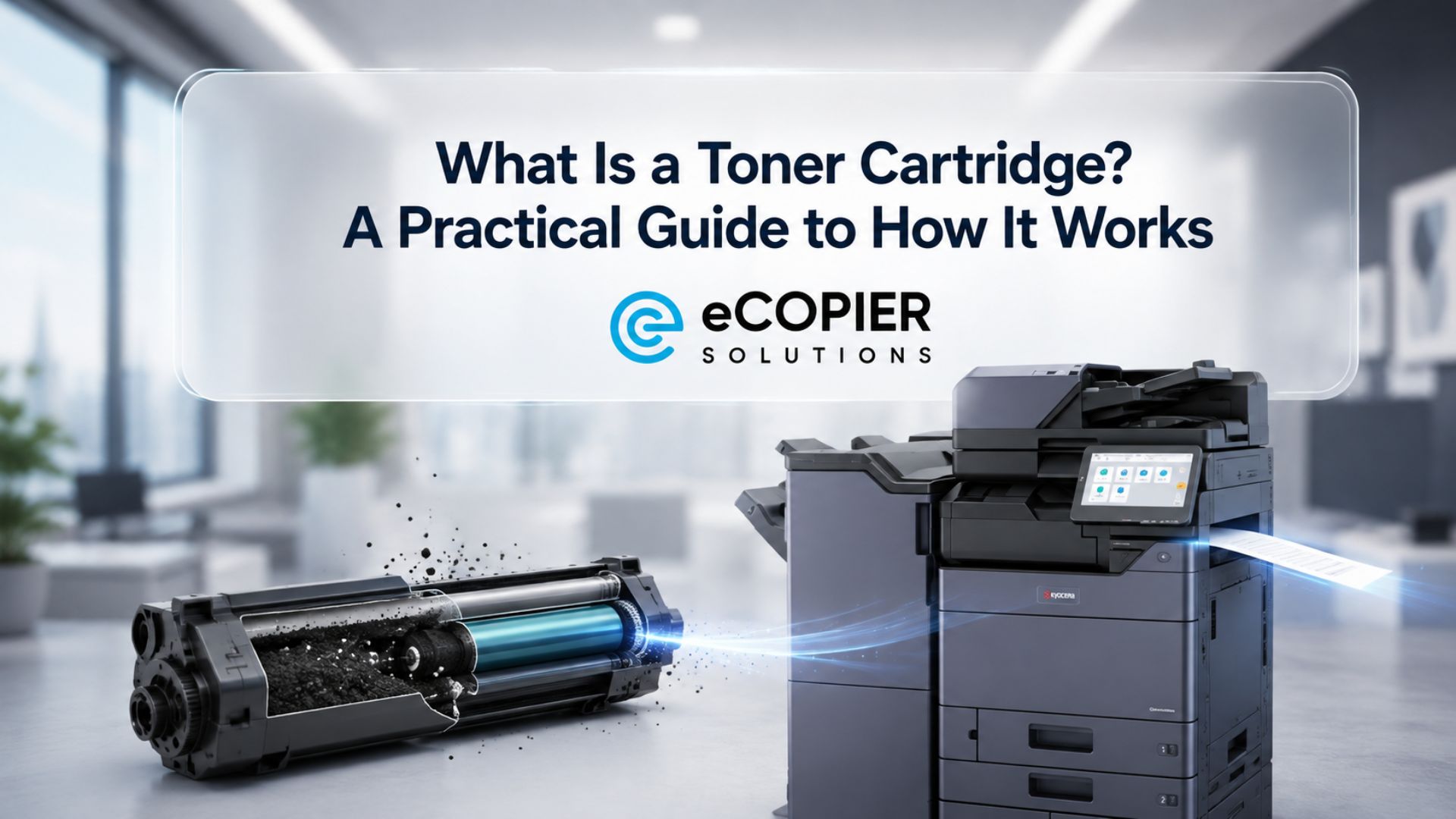
Laser printers use toner cartridges filled with fine powder instead of liquid ink.

Toner contains:
- plastic particles
- pigments
- polymers
- magnetic materials
The printer uses heat and electrostatic charges to bond toner to the paper surface.
Unlike inkjet printers, laser printers do not spray liquid onto the page.
Why this matters:
Toner-based printing creates sharper text and reduces smudging, especially for high-volume document printing.
Laser Printer vs. Inkjet Printer
Here is the main difference between the two printer types.
The table above is just a brief summary, and we have actually covered it in our past blog.
Read more here.
How Does a Laser Printer Work?
Laser printers use a completely different printing process than inkjet printers.
Step 1: The Laser Creates an Electrostatic Image
A laser beam draws text or images onto a rotating drum inside the printer.
Step 2: Toner Powder Sticks to the Drum
The toner attaches only to the electrically charged areas.
Step 3: Toner Transfers to the Paper
The printer rolls paper through the machine while transferring toner onto the page.
Step 4: Heat Fuses the Toner
A heated fuser melts the toner into the paper fibers.
The page comes out dry immediately.
Why Do People Think Laser Printers Use Ink?
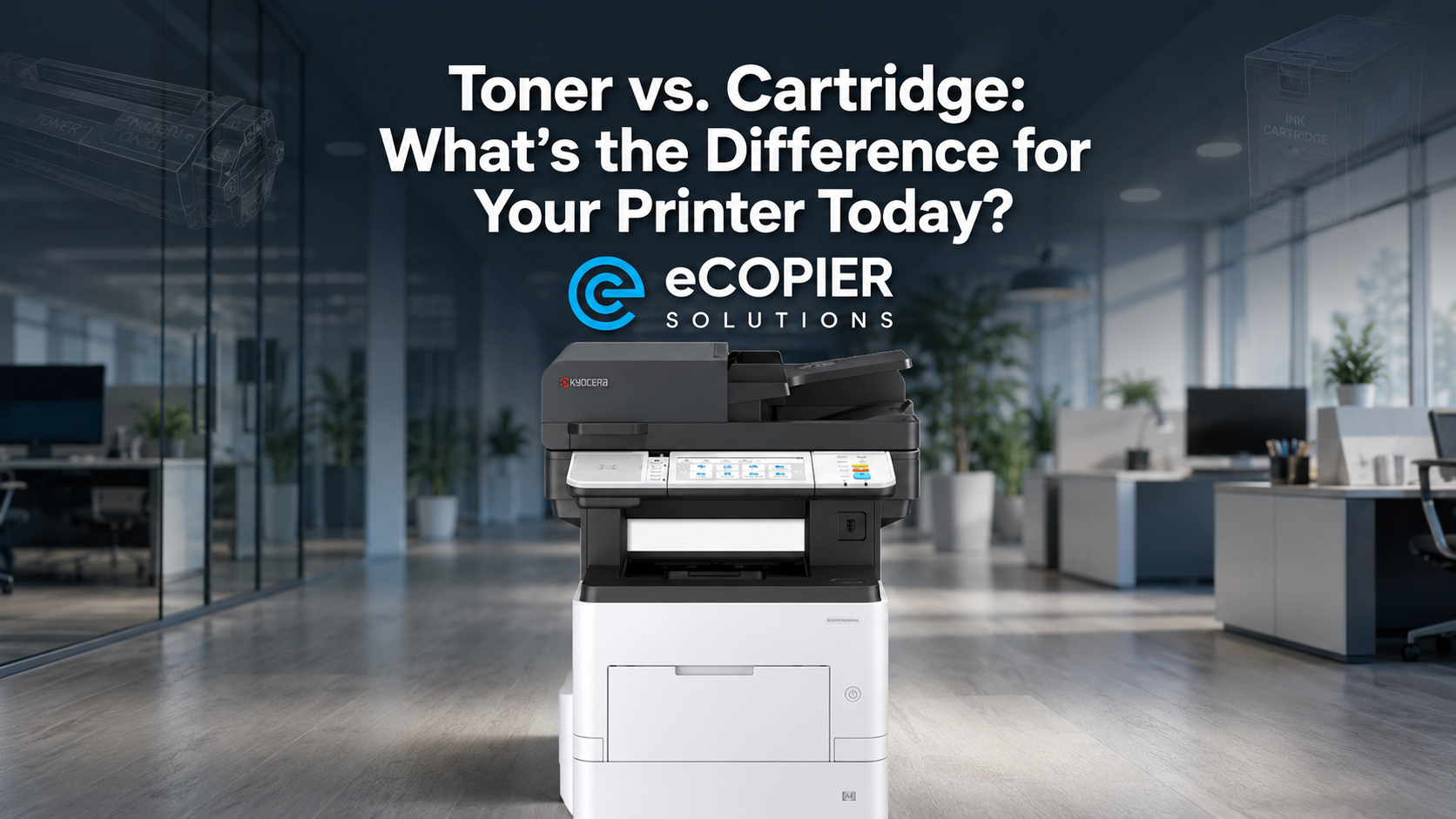
We totally get the confusion. Many people assume laser printers use ink because toner cartridges look similar to ink cartridges.
Even in retail stores, they group printer supplies together, which adds confusion.
However:
- ink cartridges contain liquid
- toner cartridges contain powder
However, it is important to note that you should never put ink into a laser printer.
Doing so can damage the machine.
Is Toner Better Than Ink for Home Printing?
It depends on what you print most often.
Toner Is Better For:
- school assignments
- work documents
- invoices
- contracts
- shipping labels
- high-volume printing
Ink Is Better For:
- photo printing
- art prints
- detailed color gradients
- glossy image output
Laser printers usually produce sharper text, while inkjet printers often create better-looking photos.
Are Laser Printers Cheaper to Run Than Inkjet Printers?
In many cases, yes.
Laser printers usually cost more upfront, but toner cartridges last significantly longer.
For example:
- A standard ink cartridge may print 200–300 pages
- many toner cartridges print 1,500–3,000 pages or more
This lowers the long-term cost per page.
Do Laser Printers Dry Out?
No. Toner does not dry out because it is powder-based.
This is one of the biggest advantages of laser printers.
Inkjet printers can clog if left unused for long periods. Laser printers usually avoid this issue.
Laser printers work well for:
- occasional home printing
- backup office printers
- seasonal document printing
- remote work setups
Why this matters:
You waste less money replacing dried-out cartridges.
Who Should Buy a Laser Printer?
A laser printer is usually a good choice if you:
- print documents regularly
- work from home
- print tax paperwork
- print large PDFs
- print shipping labels
- want lower long-term supply costs
A laser printer may not be ideal if you mainly print:
- professional photos
- high-resolution artwork
- detailed color images
For photo-heavy printing, inkjet printers still perform better.
Monochrome vs. Color Laser Printers
Laser printers come in two main categories.
Monochrome Laser Printers
These printers only print in black and white.
They are usually:
- cheaper
- faster
- easier to maintain
They work well for:
- students
- home offices
- business paperwork
- text-heavy printing
Color Laser Printers
These use multiple toner cartridges:
- black
- cyan
- magenta
- yellow
Color laser printers are better for:
- presentations
- charts
- brochures
- school projects
However, color toner replacements can be expensive.
Common Problems With Laser Printers
Laser printers are reliable, but they still have limitations.
Common issues include:
- paper jams
- faded prints
- toner smearing
- expensive color toner replacement
- larger machine size
Most problems are manageable with regular maintenance and quality toner cartridges.
Why this matters:
Understanding the downsides helps you choose the right printer for your actual usage.
Signs Your Toner Cartridge Needs Replacement
Most laser printers display low-toner warnings automatically.
You may also notice:
- faded text
- streaking
- uneven printing
- missing sections on pages
In some cases, gently shaking the toner cartridge temporarily redistributes remaining toner powder.
This may help extend cartridge life briefly before replacement.
Need Help Choosing the Right Printer? Explore eCopier Solutions
Laser printers do not use liquid ink. They use toner powder combined with heat and electrostatic transfer to create durable, fast-drying prints.
At eCopier Solutions, you can explore printer solutions, copier services, toner supplies, and office printing equipment designed for both home and business needs.
Build a quote now to learn more about available printer models, maintenance services, and printing solutions that fit your workflow and budget.





.webp)
.png)