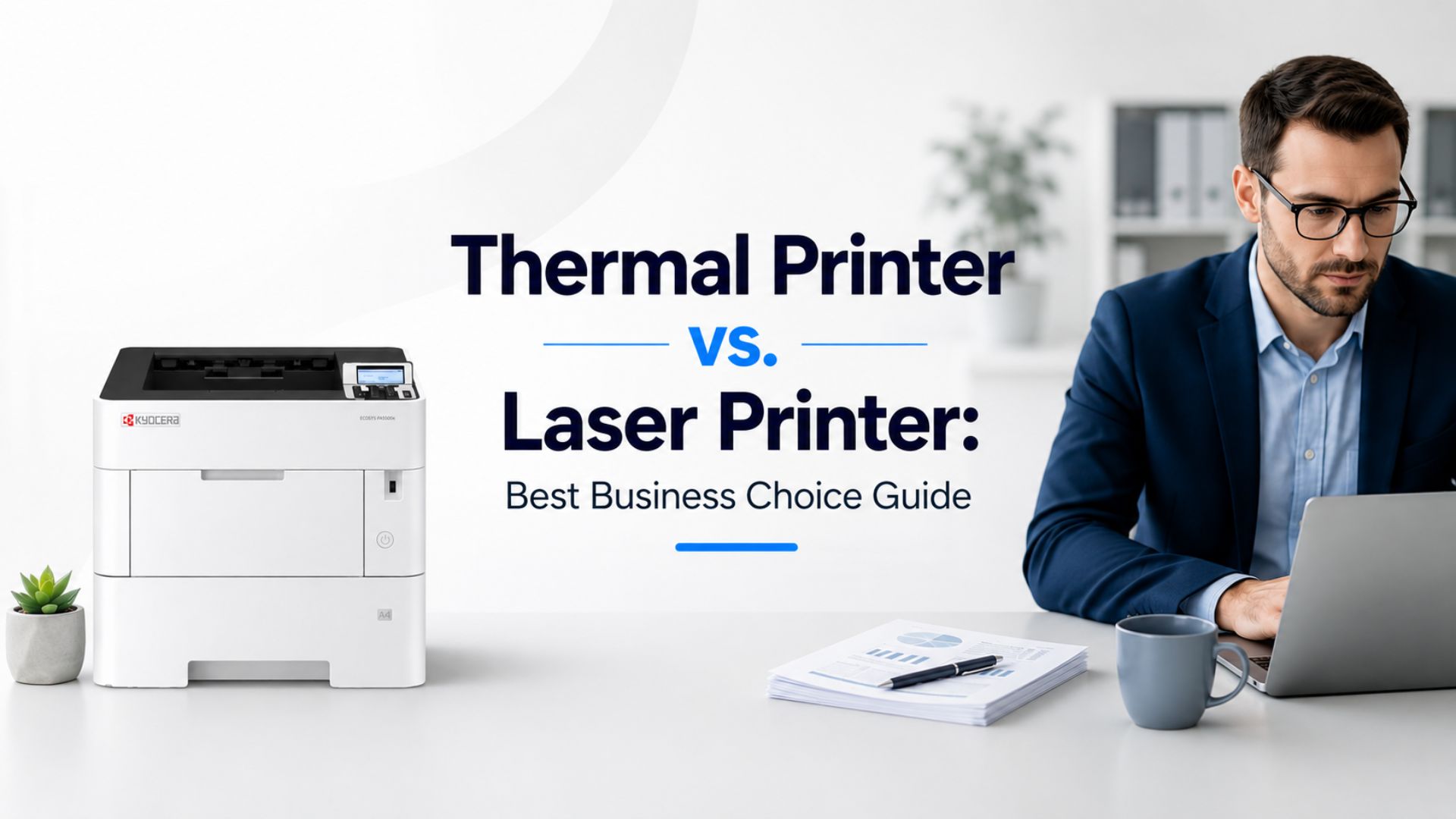
Choosing between a thermal printer vs. laser printer comes down to the work your business prints every day. Thermal printers are best for receipts, barcodes, labels, and shipping tags. Laser printers are better for office documents, reports, contracts, forms, and high-volume printing.
On a tight budget, the right choice depends on print volume, supply costs, and whether your team also needs scanning, copying, security, or managed support. In this article, we’ll break down the key differences so you can choose with less guesswork.
What Is a Thermal Printer?
A thermal printer creates text, barcodes, and simple images using heat instead of ink or toner.
The two main types work a little differently. A direct thermal printer prints by heating special paper or labels that darken where the printhead touches them. This makes it a simple option for receipts and short-term labels.
A thermal transfer printer, on the other hand, uses heat to transfer print from a ribbon onto the label, which helps the print last longer.
Trying to cut supply costs? Direct thermal models use 0 ink, 0 toner, and 0 ribbon.
You will see thermal printers in retail counters, shipping rooms, restaurants, warehouses, and healthcare offices where businesses need fast, repeated printing without extra supply costs.
They typically work as a thermal label printer, thermal printer for shipping labels, thermal printer for receipts, or barcode thermal printer. This makes them a practical choice for businesses focused on labels, checkout stations, inventory tracking, and daily shipping tasks.
When Should You Choose a Thermal Printer?
A thermal printer makes the most sense when your business handles fast, repetitive print jobs throughout the day. Common uses include:
- Shipping labels
- Receipts
- Product labels
- Barcodes
- Warehouse tags
- Patient wristbands
- Short-term labels
It keeps the process quick, clean, and simple, which matters when every minute at the counter, checkout station, or packing table counts.
However, it is NOT the best fit for:
- Full-page documents
- Color prints
- Marketing pages
- Reports
- Contracts
- Shared office paperwork
Note: Thermal printers are useful when the job is small, simple, repeated, and label-based. If the task grows beyond labels, compare other office printing options.
What Is a Laser Printer?
A laser printer uses toner powder, a drum, a laser, and heat to place text or images onto paper.
The toner is not liquid ink. It is a fine powder that gets fused onto the page, which is why printed sheets often feel warm when they come out. Laser printers are common in offices because they print sharp text quickly and handle steady daily workloads well.
Many office laser machines are also more than printers. A multifunction printer, or MFP, can print, copy, scan, and fax from one device. That can help a business save space, reduce separate equipment costs, and keep paperwork moving without adding more machines.
When Should You Choose a Laser Printer?
A laser printer is often the best printer for office documents when your business prints things like:
- Contracts
- Invoices
- Reports
- Forms
- Client documents
- HR files
- School materials
- Legal documents
- Financial records
Okay, now let’s break it down further. An MFP or commercial copier may be a smarter choice when:
- The team needs scanning and copying.
- The office prints at high volume.
- Multiple people share the same device.
- The business needs secure printing.
- The company wants service, toner, and support included.
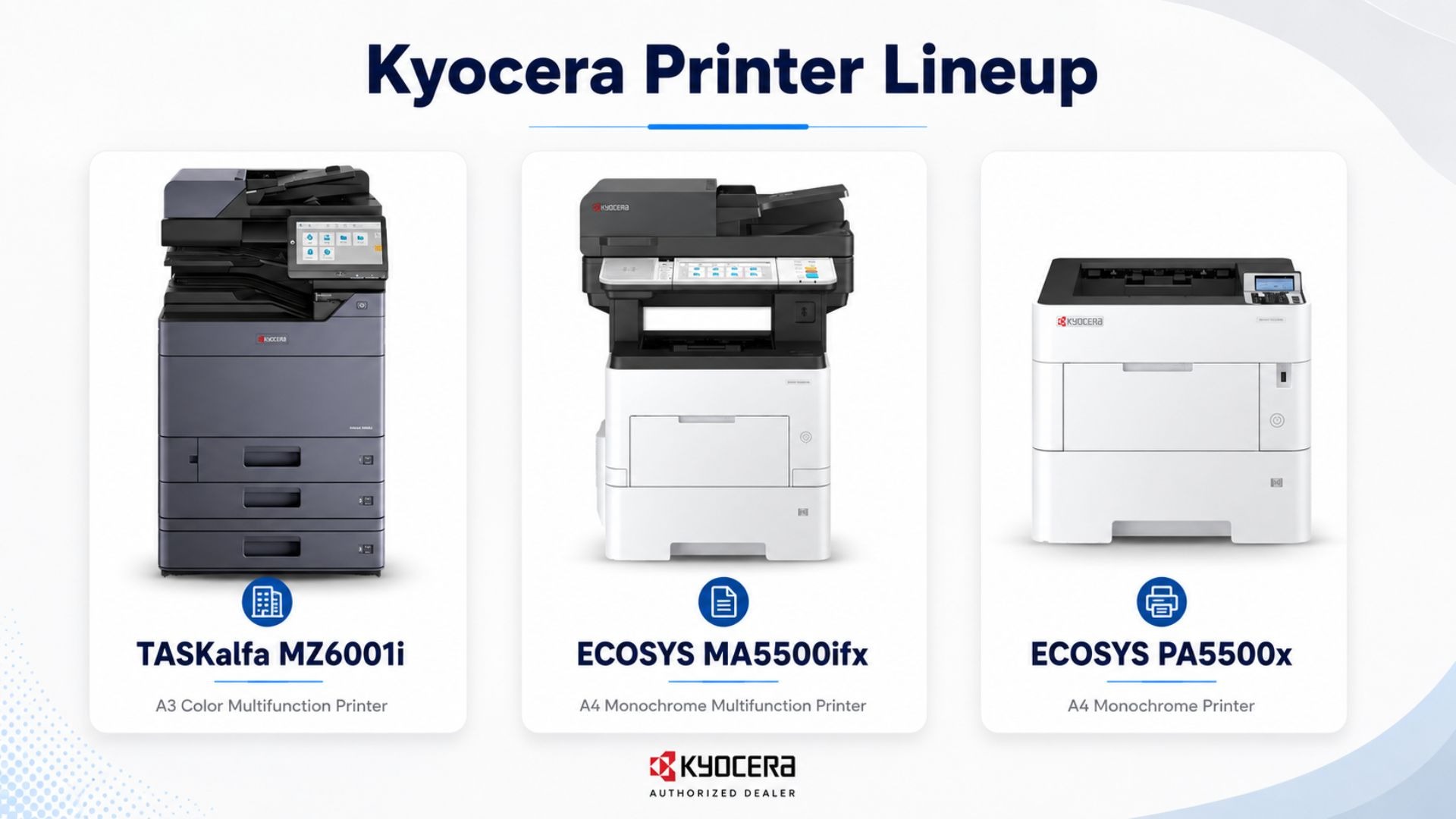
These are some of the main advantages of laser printer setups for growing teams. eCopier Solutions supports this kind of office workflow with options like the ECOSYS PA5500x for monochrome printing, the ECOSYS MA5500ifx for print, copy, scan, and fax needs, and TASKalfa MZ6001i series machines for larger teams with heavier workloads.
Thermal Printer vs. Laser Printer: Main Differences
Here are the main thermal vs laser printer differences at a glance:
Before buying either option, check how much desk space, paper handling, and daily staff use your business actually needs. Small counters and packing stations often benefit from compact thermal units, while busy offices usually need the larger paper capacity and workflow features that come with laser systems.
Print Quality and Speed
Both printer types can be fast, but speed only matters if it fits the job.
A thermal printer can be the best printer for shipping labels because it handles barcodes, receipts, and package tags quickly with simple black-and-white output. That is great for packing tables, checkout counters, and inventory stations.
Laser printers are different. They are fast for document batches and usually produce sharper text, cleaner lines, and better graphics. That makes them stronger for reports, forms, charts, contracts, invoices, HR files, and client documents.
Too costly to buy twice? Do not judge by speed alone. A fast thermal machine may still slow your team down if the real need is polished office pages, contracts, invoices, and shared document printing.
Cost: Which One Is Cheaper Over Time?
The cheaper choice depends on what you print most. Thermal printers do not need toner, so the thermal printer cost per page can be low for labels, receipts, and barcodes. But they still need thermal paper, labels, or ribbons, so the supplies are not free.
Laser printers need toner, and some color or multifunction models cost more upfront. Still, the laser printer cost per page can make sense for high-volume office printing because toner often lasts longer than many small businesses expect.
Okay, now let’s break it down like a budget decision: the real cost is not just the machine. It is the monthly print volume, paper, supplies, service calls, downtime, and how often staff wait on a slow or wrong-fit printer.
This is where eCopier Solutions fits well. Our leasing model focuses on predictable business printing costs, with toner, service, maintenance, and support included. That can help your company avoid surprise print expenses.
Maintenance and Daily Use
When choosing a printer, daily upkeep matters just as much as print quality.
Thermal printers have a simple design, fewer moving parts, and no toner changes. That makes them useful for small, repeated print jobs like labels, receipts, and barcodes.
But one of the disadvantages of thermal printer use is the limit. You are typically tied to certain label sizes, paper types, and basic black-and-white output.
Laser printers are better for shared office use. Many support Wi-Fi, mobile printing, duplex printing, scanning, and copying, so teams can handle different jobs from one device. They do need toner and service care, but they are more useful when staff print mixed documents all day.
If your business uses commercial laser printers or MFPs, managed service can help. Downtime is not just annoying because it can slow down the whole office.
Laser Printer vs. Thermal Printer for Business: Simple Decision Guide
The best choice depends on what your team prints most, not which machine looks cheaper on day one.
So, choose a thermal printer if:
- You mostly print labels or receipts.
- You do not need full-page documents.
- You need a compact printer for a counter, shipping desk, or warehouse station.
- You want simple black-and-white output.
A laser printer is the better choice if:
- You print office documents every day.
- You need sharp text and clean pages.
- You want paper trays, duplex printing, scanning, or copying.
- You need a shared office printer.
- You want better support for business workflows.
Okay, now let’s make it practical. In a laser printer vs thermal printer decision, a low-cost thermal unit may help at the packing table, but it will not replace an office printer for contracts, invoices, and reports.
For many companies, the answer may be both: a thermal printer for labels and a laser printer or copier for office documents.
How eCopier Solutions Can Help
Too costly to buy the wrong office machine and end up with printing problems your team deals with every day?
At eCopier Solutions, we help businesses lease office printers, commercial copiers, and MFPs that match their real workload. Our service is built for teams that need laser printing, copying, scanning, toner, maintenance, and support without handling every issue alone.
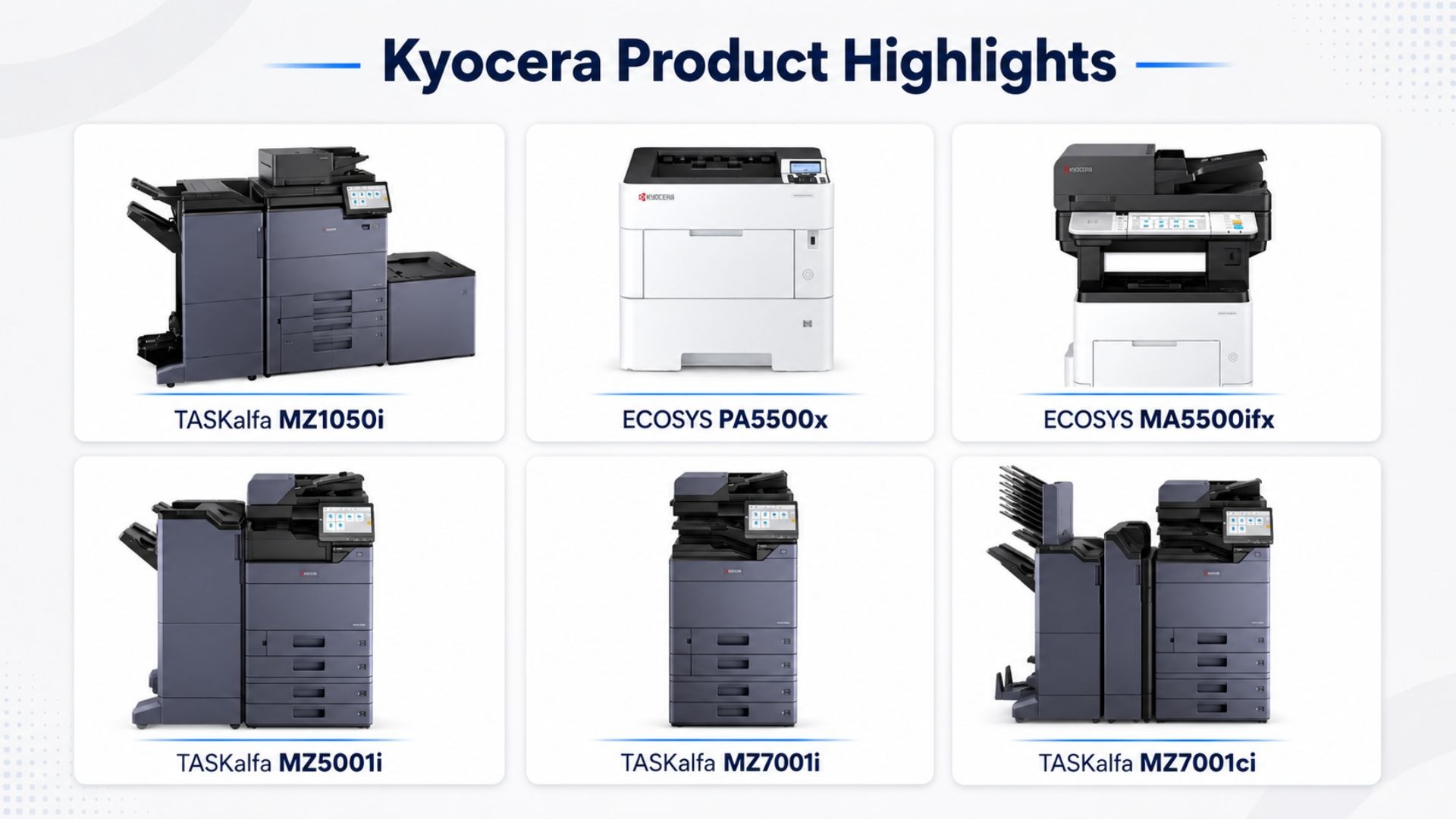
We offer Kyocera ECOSYS and TASKalfa models for different business sizes, from smaller office setups to high-volume commercial workflows. Leasing can also help reduce high upfront costs, which is useful when cash flow matters. With toner, service, and support included, print costs can be easier to plan and manage month to month.
If your business needs more than basic label printing, eCopier Solutions can help you choose a laser printer, MFP, or commercial copier that fits your daily workload. We focus on practical office printing solutions that support everyday business tasks without adding unnecessary complexity or cost.
FAQs
Which Is Better, a Thermal or Laser Printer?
Neither one is better for every use. A thermal printer is better for labels, receipts, barcodes, and shipping tags. A laser printer is better for office documents, reports, forms, contracts, and high-volume business printing.
What Are 5 Disadvantages of a Thermal Printer?
Five common disadvantages of thermal printers include:
- Limited color printing
- Special paper or label requirements
- Prints can fade over time
- Smaller print width
- Poor fit for full office documents
Thermal printers are useful, but they are not as flexible as laser printers.
Is a Laser Printer Just a Regular Printer?
A laser printer is a common office printer, but it is not the same as an inkjet printer. It uses toner powder, not liquid ink, and is built for fast, sharp, high-volume document printing.
Do Thermal Printers Use Lasers?
No. Thermal printers do not use lasers. They use heat instead. When comparing direct thermal vs thermal transfer printing, direct thermal printers apply heat to special paper, while thermal transfer printers use heat to transfer ink from a ribbon onto the label or surface.
Does Laser Printer Ink Dry Out?
No. Laser printers use toner powder, not liquid ink, so there is no ink to dry out. Toner can still run low, but it does not dry in the same way as inkjet cartridges can.




.webp)

.png)