A toner warning can appear sooner than expected, even if you haven’t printed much. And if a spare has sat on a shelf for months, you may wonder if it will still work.
How much toner your documents use affects replacement timing, while storage conditions matter for the spare. That’s why age alone won’t tell you when toner needs replacing.
Today, we’ll help you plan your next toner replacement and explain what to check before using an older container.
TL;DR
- Toner lasts according to printing volume, document coverage, and cartridge capacity.
- Divide the advertised page count by monthly printed pages to estimate replacement timing.
- Match toner to your exact model, and check starter capacity separately.
- Toner powder cannot dry out like ink. Follow packaging instructions for storage.
- A low warning may allow more printing. Follow your manual before replacing toner.
- Reduce waste through print previews, draft settings, and fewer reprints. Duplex saves paper.
- Recycle accepted containers, and handle waste toner separately.
- eCopier Solutions offers equipment, toner replenishment, and maintenance options to simplify office printing. Costs depend on supplies and your arrangement.
How Long Does Toner Last in a Laser Printer?
An installed toner container lasts until its usable printing capacity is consumed, so its calendar interval depends on the specific supply and your actual workload.
A busy copier can reach its replacement point much sooner than the same model in a quieter office. A useful forecast starts with monthly volume, the replacement toner’s rated capacity, and consumption per page.
Calculate Your Estimated Replacement Interval
You can estimate how often toner may need replacing by comparing its rated page yield with your typical monthly print volume. This gives you a practical timeframe for planning supplies and reducing the risk of running out unexpectedly.
Here are the steps to calculate a useful replacement estimate.
1. Identify the Exact Model and Toner Number
Check the label on the machine or its documentation, then match it to the supported laser printer toner cartridge. Similar model names can take different supplies.
2. Find the Published Replacement-Toner Yield
Use the manufacturer’s figure for that toner number, and keep its testing basis alongside the number.
3. Work Out Your Average Monthly Output
Your average monthly output is easiest to estimate from meter readings taken at the start and end of a representative period. The total should cover both printed jobs and copied pages that use the toner.
Each printed side counts as one page, so a double-sided sheet counts as two. If you use a color device, it also helps to separate color and monochrome output when the machine’s counters provide that detail.
4. Divide the Yield by That Monthly Volume
Use the same definition of a printed page throughout your calculation.
Estimated months of use = rated page yield ÷ average printed pages per month
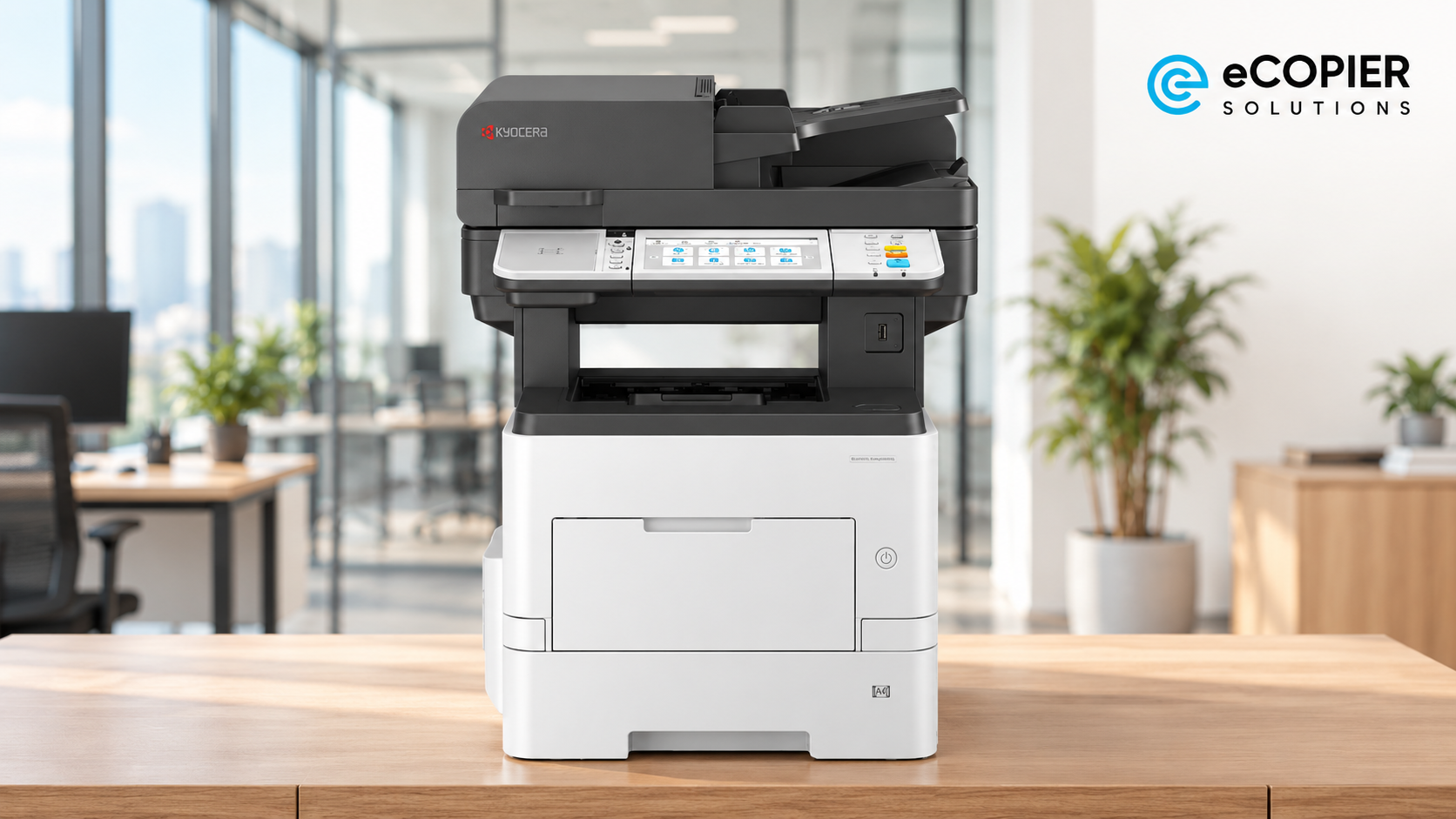
For example, the ECOSYS MA5500ifx’s TK-3432 replacement toner is rated at 21,000 pages under ISO/IEC 19752. If an office prints an assumed 3,000 pages per month, 21,000 ÷ 3,000 gives seven months.
This is only a planning estimate. It does not measure actual lifespan or promise a replacement date. So, recheck the average when your office’s print volume changes.
Match the Estimate to Your Toner Capacity
The model name alone is not enough to order a supply. Its toner number points to a compatible container and a particular published yield.
Here are three examples from Kyocera’s product specifications:
Each toner container has its own estimated printing capacity, so choose the cartridge laser printer manufacturers specify for your model. A similar-looking container may not fit. If your printer is new, check how many pages its starter toner can print, since it may contain less toner than a replacement.
P.S. In our other guide, we also explain the difference between toner and a cartridge to help you distinguish the powder from its container. So, feel free to check it out.
Understand What Affects How Long Your Toner Lasts
The published number gives you a common benchmark for comparing supplies. Your own documents and device behavior determine what happens after installation.
These are the main sources of variation:
- Page coverage: A page filled with dark graphics or large shaded areas uses more toner than a sparse letter.
- Color mix: On a color machine, a run of blue-heavy graphics can draw on cyan differently from magenta or yellow. Each color laser printer toner supply can reach its replacement point at a different time.
- Print settings: A supported toner-saving mode may use less toner for suitable drafts, though the output can look lighter.
- Device operations: Some models consume toner during calibration or other operations outside the finished pages.
- Reprints: An incorrect range, duplicate job, or recurring print defect can use toner without producing a page anyone wanted.
Does Laser Printer Toner Go Bad or Dry Out?
No, laser printer toner does not dry out like liquid ink, although a stored container can become unreliable. In a dry toner laser printer, the printing material is already a powder. The real storage concern is whether that powder and its container stay in suitable condition until you need them.
An unopened supply in intact packaging has more protection than an opened one.
The ECOSYS MA5500ifx manual warns against forcing open or damaging parts that contain toner. Keep replacement supplies in their original packaging and follow the storage instructions provided with them, especially any guidance on temperature and moisture.
An older container might still be usable, but its age alone cannot guarantee good output. So, check the packaging and manufacturer’s guidance before installing it, and confirm what any printed date on the box actually means.
If you find damage or get poor output after installation, use the device’s guidance and ask a qualified technician to assess the cause.
Check Toner Status Before Replacing the Container
A low-toner warning gives you time to prepare a replacement, but it may appear while the printer can still produce clear pages. Before changing the container, check what your device is telling you and how the printed pages look.
These steps can help you decide what to do next:
- Read the device message: Check the supply warning and any available toner-status screen or report for the affected color or black supply. The display varies by model.
- Check that model’s manual: Follow its guidance on when and how to replace the identified container. A low-toner warning and a replacement instruction may call for different actions.
- Look at the printed page: Compare fading or uneven output with the supply indication before assuming every defect comes from toner. Keep an example page if you need help diagnosing it.
- Call for service if defects keep returning: A drum, fuser, or transfer-system issue can also affect output, and repeated toner changes may leave the real problem in place.
Reduce Avoidable Toner Consumption
Your document choices matter most before a job reaches the printer. A few small checks can keep unwanted pages out of the output tray. Here are practical places to start:
- Preview the job and select the pages you actually need, especially in long PDF files.
- Use a supported toner-saving setting for internal drafts if the lighter result is still readable.
- Choose monochrome when color does not help the reader understand the page.
- Review digitally or use print release so abandoned and duplicate jobs never reach the tray.
- Fix recurring defects rather than reprinting the same failed document.
Duplex printing is useful when you want to save paper. It still prints an image on each selected side, so it does not automatically cut toner use in half. Track changes against your own output to see which habits help.
Pro tip: Our laser printer maintenance tips can help you spot routine issues.
Make Toner Planning Easier With eCopier Solutions
If your office would rather have replacements planned around its workload, we can help select Kyocera equipment that fits your volume and color needs.
With our copier and printer leasing with unlimited toner included, equipment and toner are bundled under the applicable arrangement, with maintenance and support available. Toner monitoring and proactive replenishment can take the recurring supply check off your team’s list.
For example, we configured Maserati’s printing equipment, introduced remote monitoring, and replenished toner and supplies before they ran out. That reduced routine printer management for dealership staff.
Our team can help you experience that high-quality service as well. Contact us today to learn more!
Conclusion
The best answer to how long does toner last in a laser printer comes from your own equipment and print history. Identify your printer model and toner number, then record a representative month of printed output and the dates you change supplies.
That small record gives you a better replacement forecast and makes unexpected changes easier to investigate.
FAQs
What Is a Laser Printer Toner?
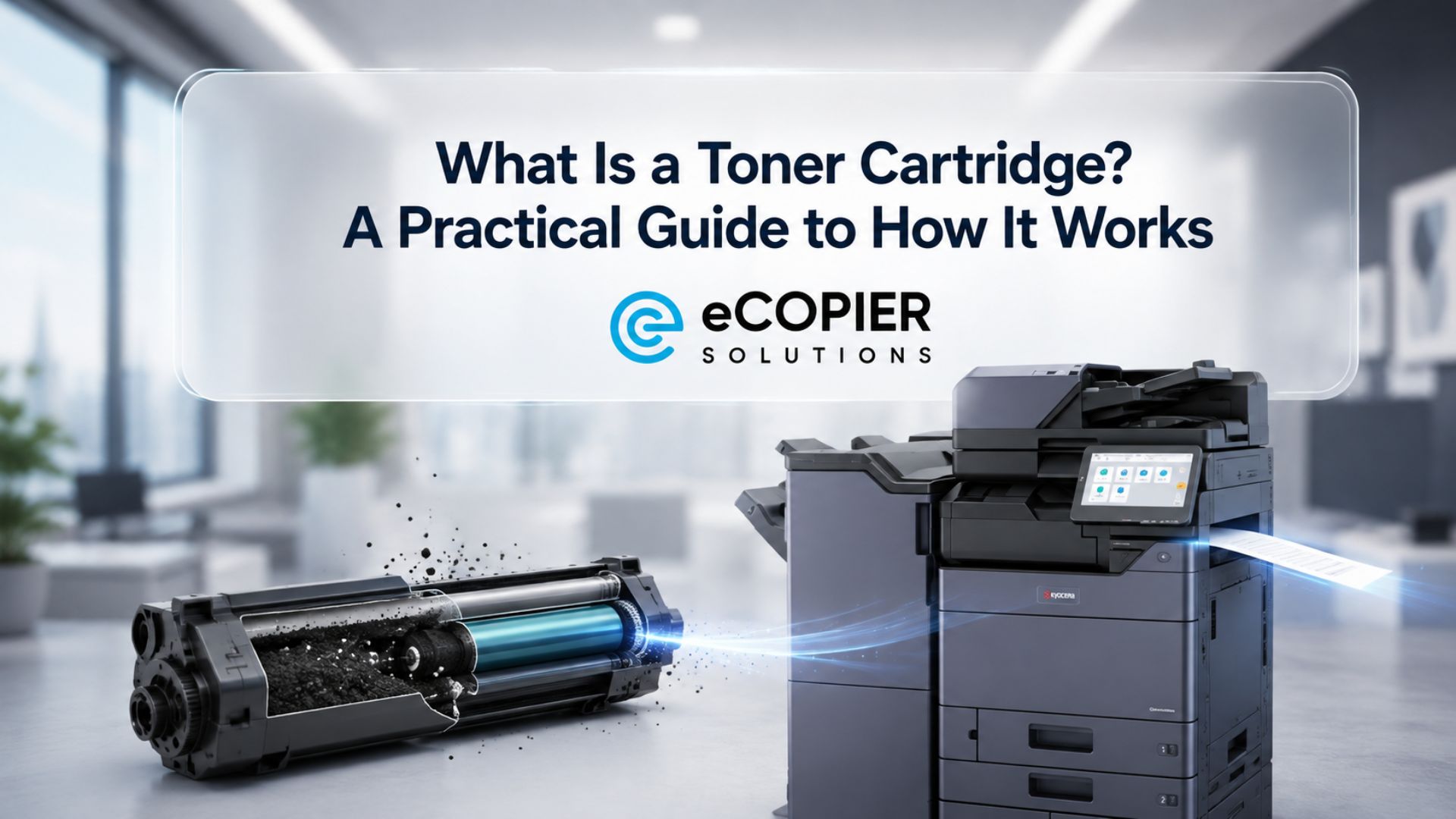
Laser printer toner is a fine powder used to form text and images on a printed page. It comes in a container designed for a compatible machine. See our other guide on what a toner cartridge is and how it works for the parts around it.
Do All Laser Printers Use Toner?
Yes. A monochrome laser printer uses black toner, while a color laser printer uses separate color supplies as well as black. Containers vary by model, so match the supply to the exact device rather than its general printer category.
What Is Laser Printer Toner Made Of?
Toner generally contains resin particles, pigment, and additives chosen for the manufacturer’s formulation. The resin helps bond the image to paper. Exact ingredients vary, so check the documentation for your supply if you need material details.
How Much Is a Laser Printer Toner?
The price depends on the supported toner number, its capacity, whether it is black or color, and how your office obtains supplies. When buying toner for laser printer use, match the exact model and supported SKU. Compare the full supply arrangement as well.
Can I Still Print Without Toner?
No. The printer needs toner to put an image on the page when a required supply is empty. A low-supply message may appear before that point. Other functions, such as scanning on a multifunction device, depend on the model and its current status.





.webp)

.png)