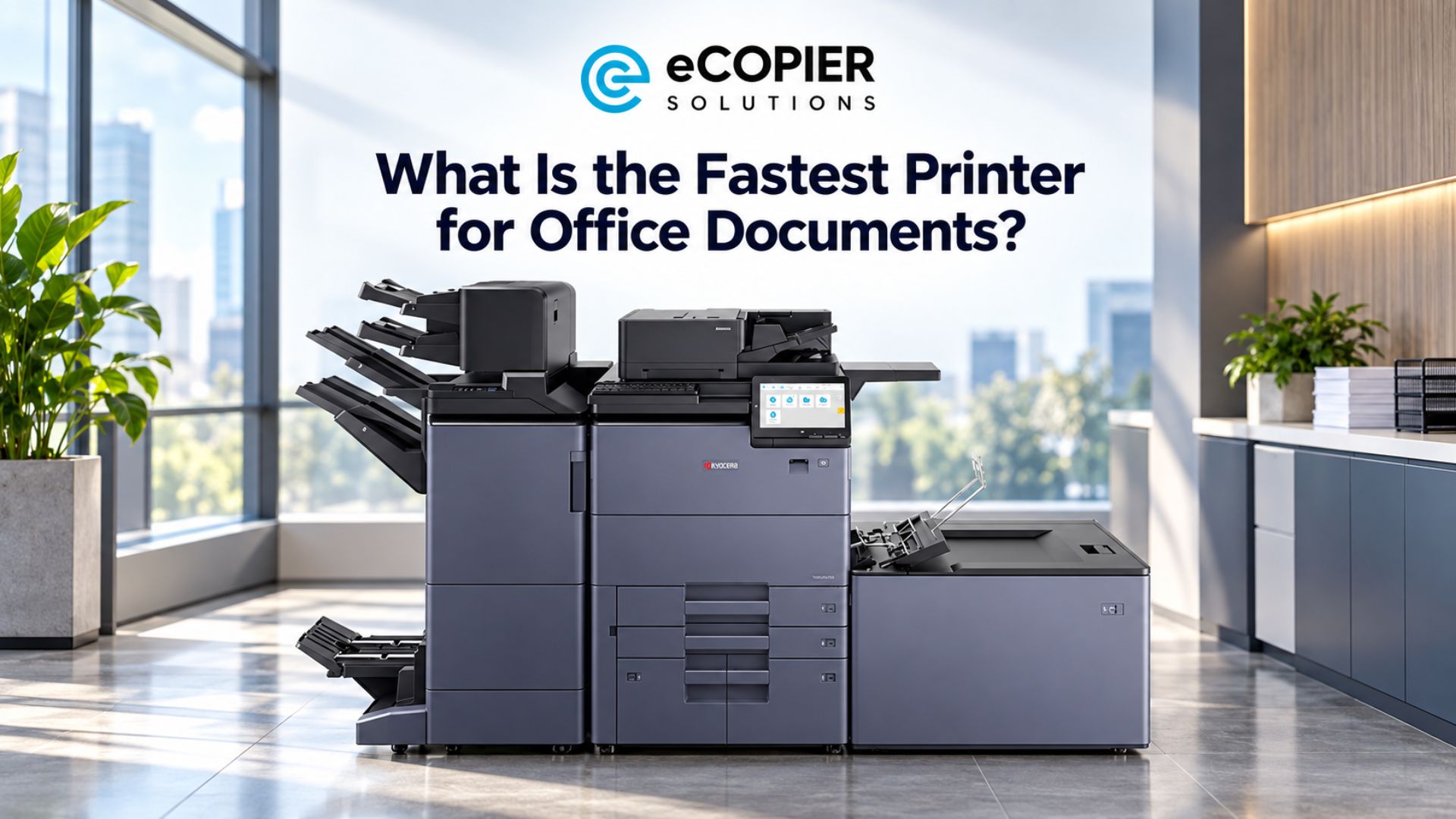
A customer is waiting to sign a contract, and your printer is still working through someone else’s reports. So you’re probably sitting there and thinking to yourself, “What is the fastest printer for office documents?” The right answer depends on what your team prints and how those jobs arrive.
Throughout the years, we tested several Kyocera models, and today, we’ll compare five options. We’ll also explain the speed figures that matter when choosing a fast office printer for your team’s daily work.
Let’s get started!
What Is the Fastest Printer for Office Documents?
The Kyocera TASKalfa MZ10500i is the fastest monochrome model for offices with heavy document workloads. But we’d consider a different machine when color output, desktop placement, or particular document functions matter more.
Our fastest printer comparison focuses on Kyocera models in eCopier’s range because those were the ones we could test. So, here are their manufacturer-rated speeds on US Letter paper, with ppm meaning pages per minute.
We compared Kyocera’s US specifications with eCopier’s listed range. The recommendations below reflect each machine’s functions, paper handling, and rated performance. Your document files and settings will affect actual completion times.
Here’s where each option makes the most sense.
1. Kyocera TASKalfa MZ10500i for Heavy Black-and-White Workloads
We’d put the MZ10500i at the top of this shortlist for an office that routinely produces long monochrome batches. Think of a legal team preparing case packets while other departments need their daily paperwork.
Its standard 4,350-sheet paper supply gives an ultra-fast printer enough paper capacity for substantial batches. That’s relevant when fast print on demand means preparing hundreds of pages before a deadline.
Still, this floor-standing machine needs enough workload, space, and budget to justify its place. We’d confirm its recommended operating volume before ordering, because its maximum duty-cycle rating describes a different limit. That distinction matters when planning regular monthly use.
2. Kyocera TASKalfa MZ9500ci for Heavy Color-Document Workloads
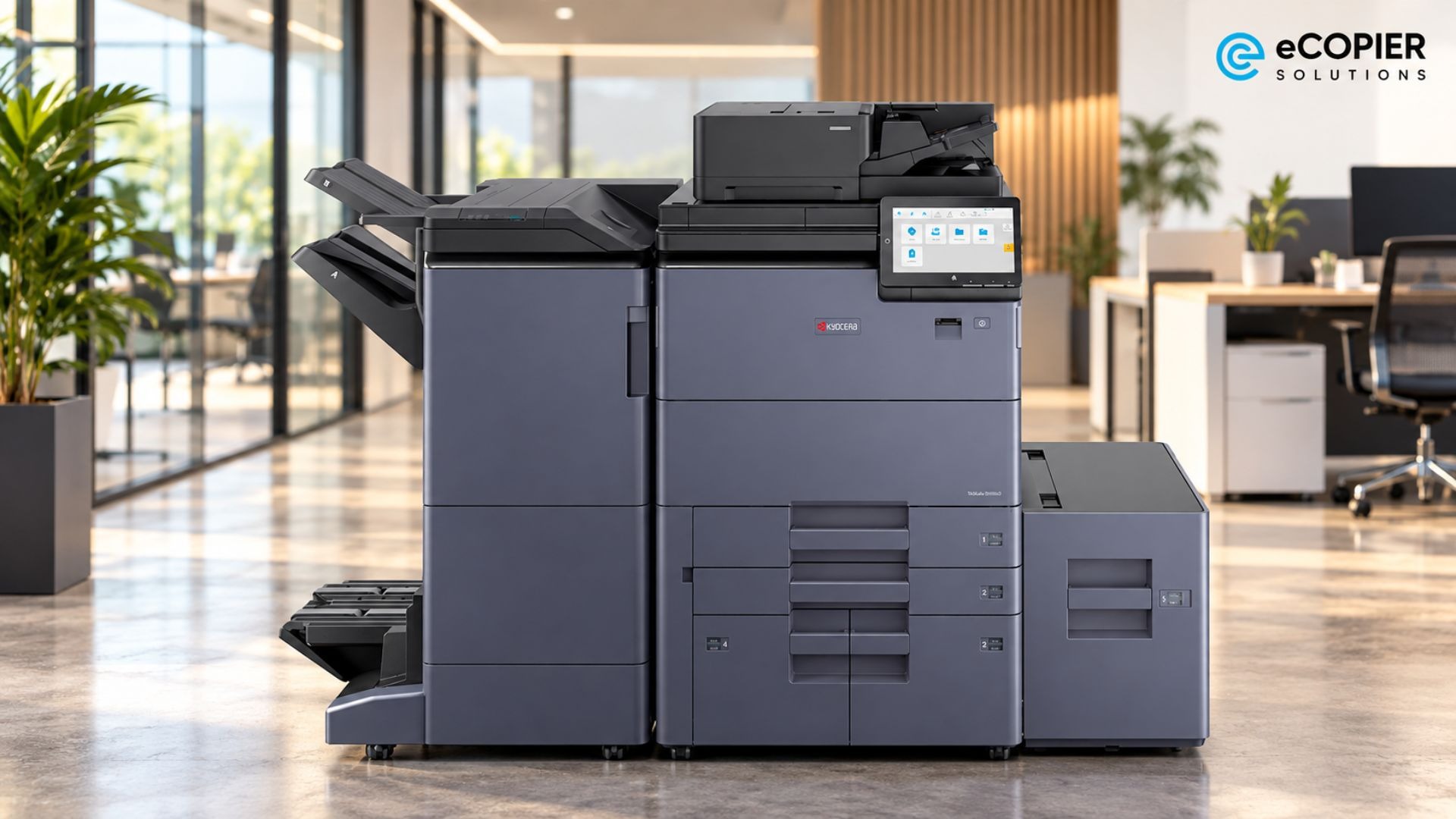
The MZ9500ci is our pick for departments that regularly produce proposals and training packs where color carries meaning. It’s the fastest color printer in this eCopier comparison, although its monochrome and color output run at different rated speeds.
For that reason, we’d assess it against the type of files your team actually produces. A color report deserves a color-speed comparison.
Kyocera also includes a dual toner container system intended to support uninterrupted printing during longer runs. That’s a useful feature to discuss when configuring the machine. For an office producing mostly text, we’d first establish how often its color capability would earn its keep.
3. Kyocera TASKalfa MZ6001i for Shared Printing and Scanning
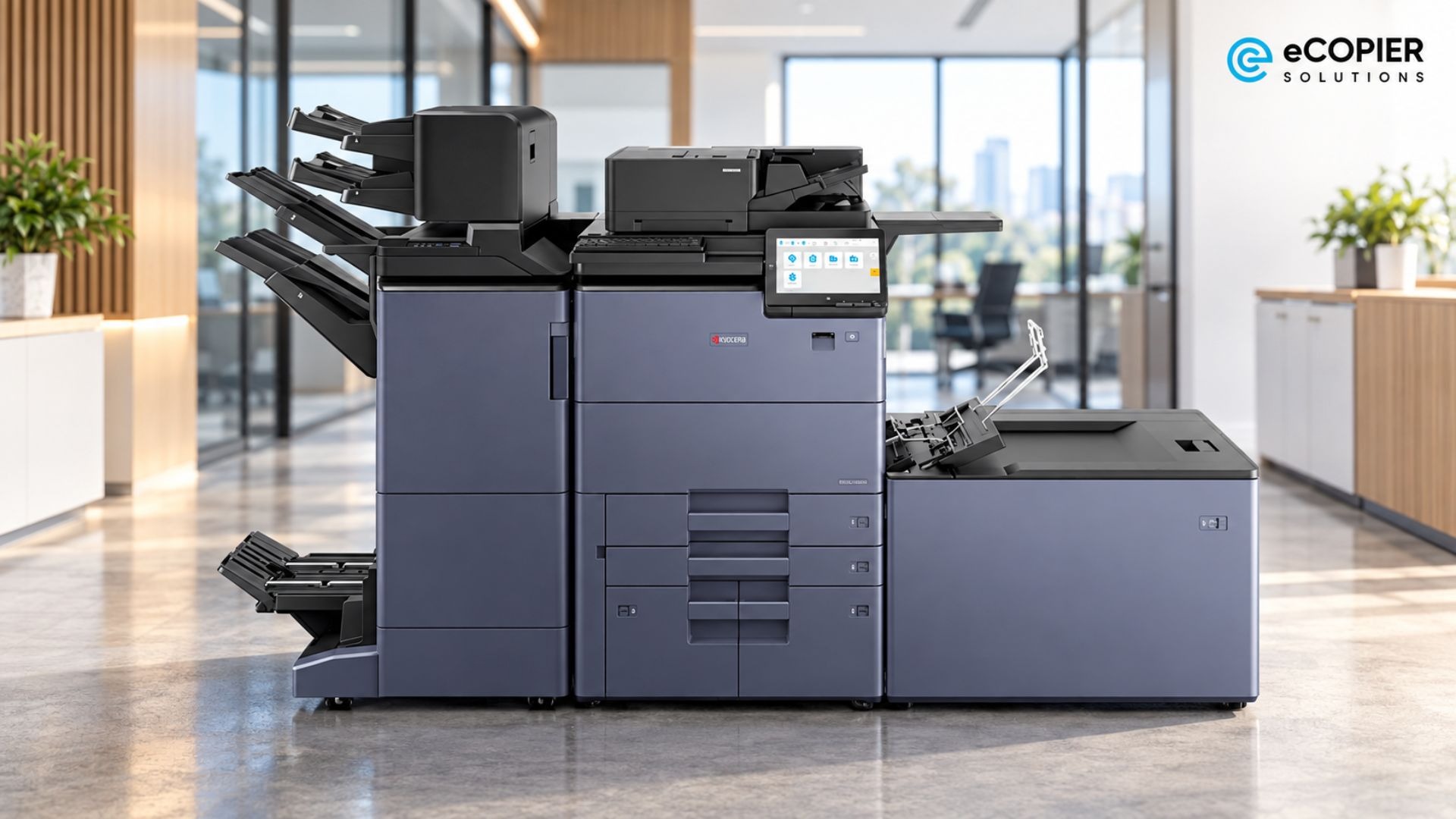
The MZ6001i makes sense for a department that prints document sets and digitizes incoming paperwork. It combines monochrome printing with color scanning, so those two capabilities can serve different parts of the same workflow.
Kyocera lists scan speeds up to 137 ipm simplex or 274 ipm duplex with the appropriate optional document processor. Here, ipm means images per minute. Scanning both sides of one sheet produces two images.
A fast scanning printer can therefore make sense even when another model prints faster. We’d confirm the processor and scan settings in the quote, especially when staff regularly need to capture batches of signed documents.
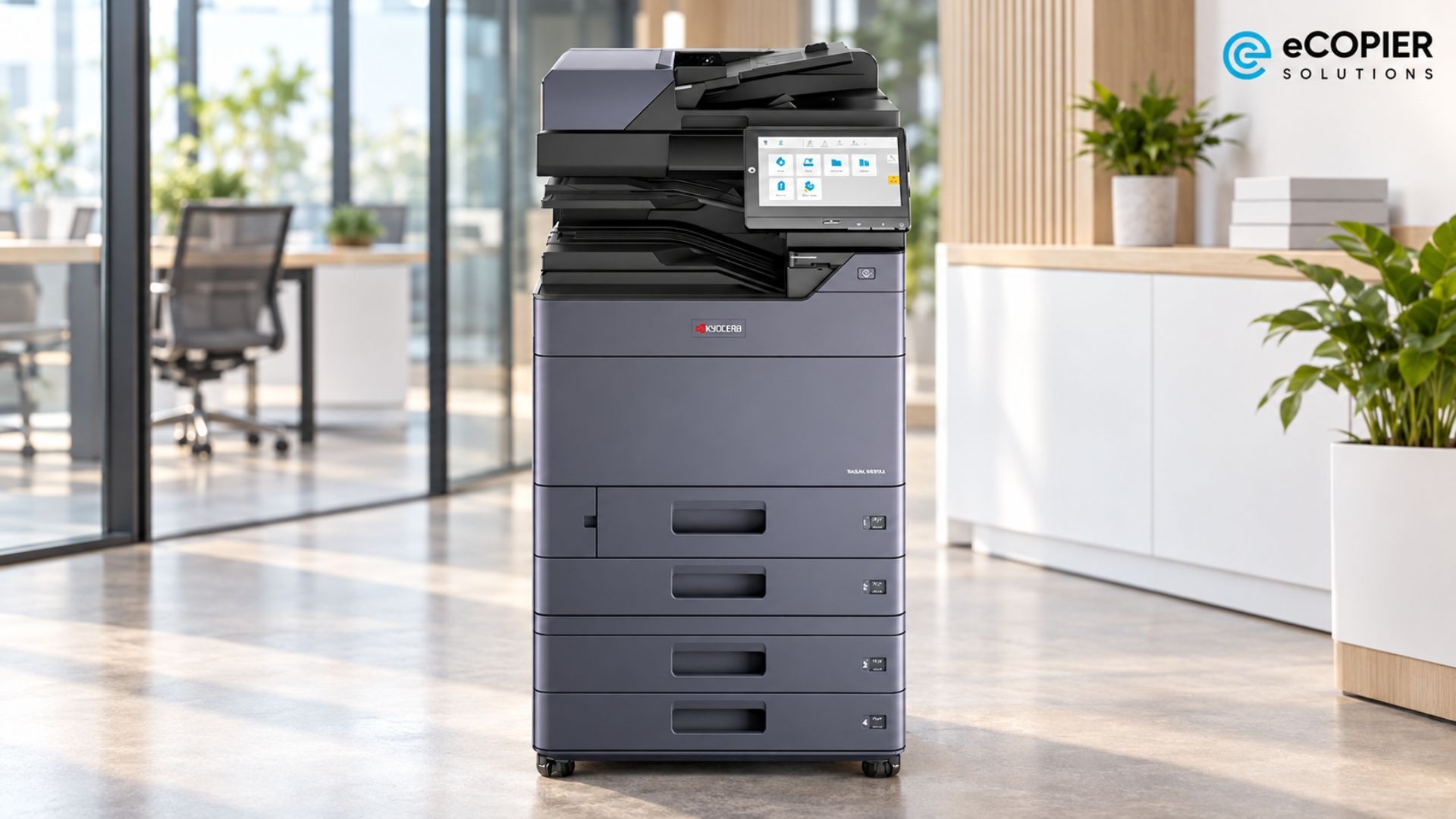
4. Kyocera ECOSYS PA5500x for Desktop Document Printing
If you’re looking for the fastest printer for small business paperwork, we’d first ask whether you need anything beyond printing. The PA5500x is a small, fast printer worth considering when a separate scanner already covers the team’s scanning needs.
Kyocera lists its dimensions as 15.4 by 16.4 by 13.5 inches. You’ll still need clearance for paper loading, cover access, and service work, so measure the usable space around the intended position.
This model handles monochrome printing, but copying and scanning require other equipment. And a small team can still produce substantial document volumes, so its desktop format should suit the workload as well as the room.
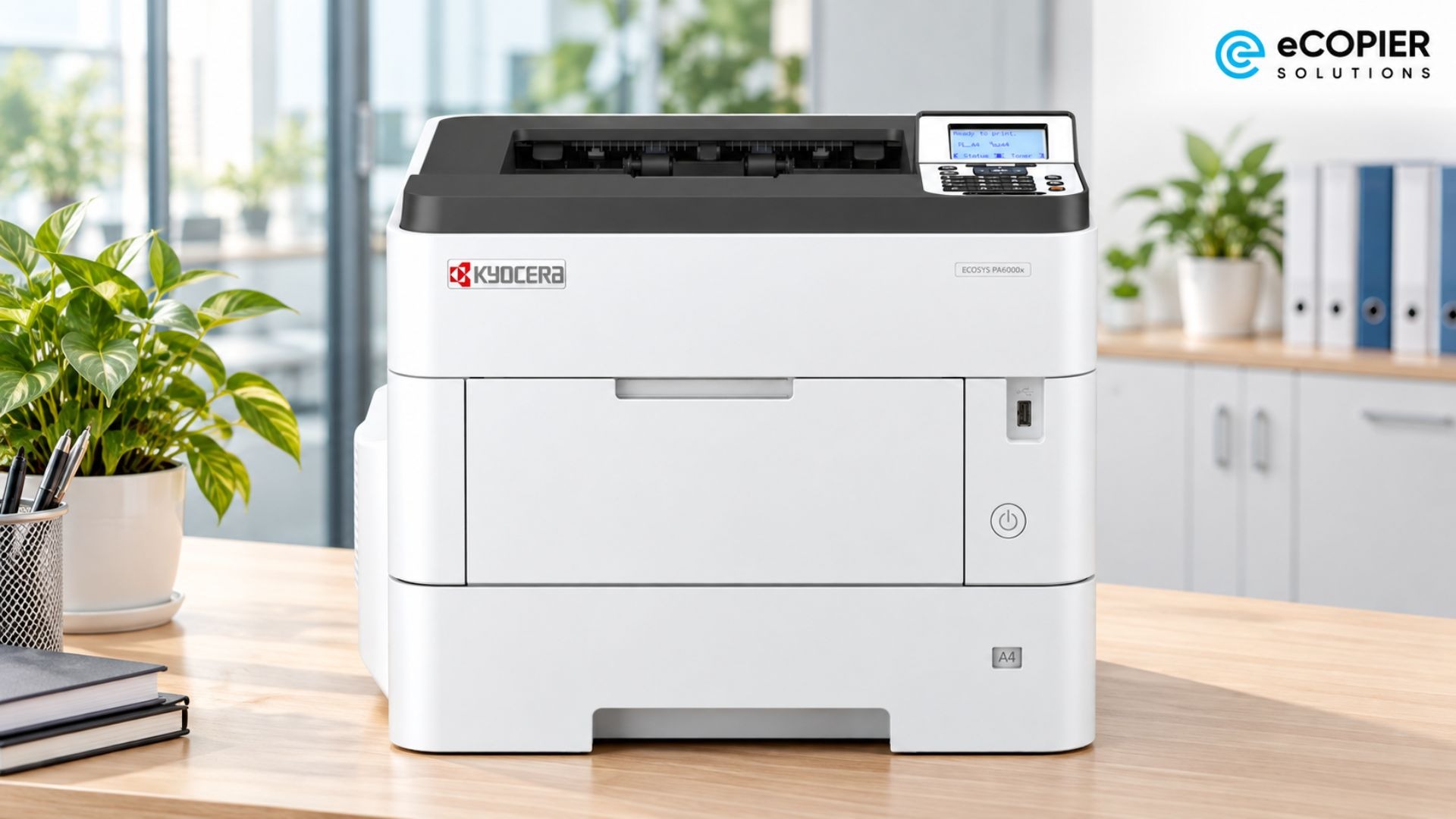
5. Kyocera ECOSYS MA5500ifx for Desktop Multifunction Work
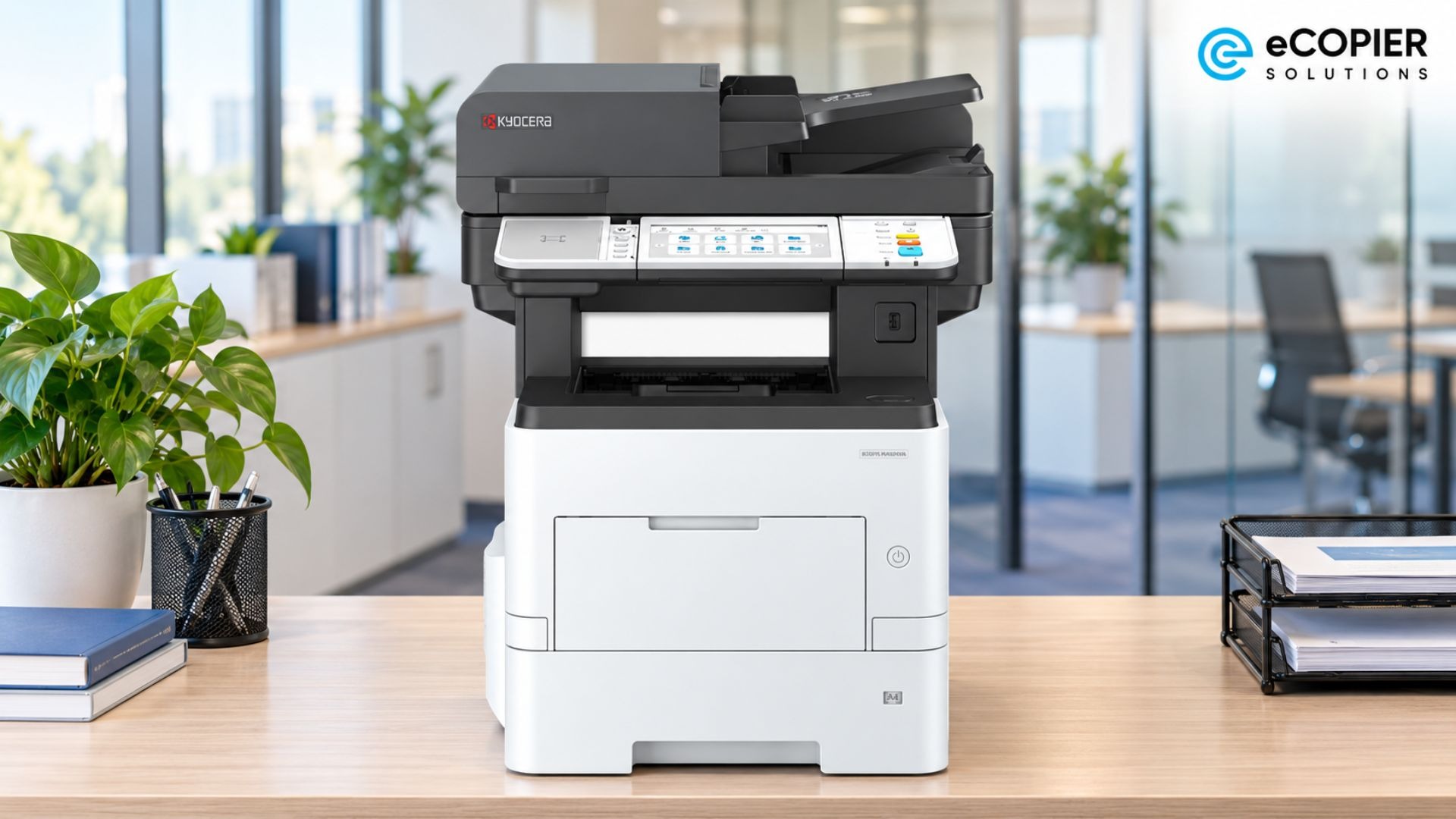
We recommend considering the MA5500ifx when the same workstation needs print, copy, scan, and fax functions. Its printing rate matches the PA5500x, so the extra functions are the reason to choose it.
You might print a contract, copy the signed pages, and then scan the agreement into a client folder. Its standard 100-sheet dual-scan document processor supports that paperwork. For a fast printer scanner, we’d check the feeder alongside the print specifications.
The paper-format limit is Legal, or 8.5 by 14 inches. If your team produces Ledger documents, we’d look at the larger TASKalfa options before settling on this desktop setup.
Why Advertised Speed Can Differ From Your Office Results
A fast printer speed rating describes sustained output once the engine is working. Your wait starts when you submit the file, so several other parts of the job can affect when you collect it.
Here are the main factors:
- First-page delay and starting state. A ready machine, a sleeping machine, and one starting from power-off can produce different waits. First-print specifications also measure a different operation from first-copy specifications.
- Job length. Initial delays matter more when staff send separate short jobs. During a long batch, continuous output accounts for more of the elapsed time.
- Duplex output and paper. Paper size, weight, orientation, and printing mode affect the comparison. Two printed sides on one sheet still represent two document pages.
- Processing and queues. A complex PDF, a connection issue, another user’s job, or finishing operations can extend the wait. Even a fast printing printer has to work through those stages.
The specifications offer a useful example. Kyocera lists a 3.8-second first print for the MZ6001i and 4.1 seconds for the MZ10500i. The difference is small, but it shows that first-page and sustained-speed rankings can differ.
Duplex settings deserve attention, too. Under ENERGY STAR’s 2021 Version 3.2 rules, printers and multifunction devices that qualify under its typical electricity consumption test must default to automatic duplexing above 19 images per minute for color devices and 24 for monochrome devices, subject to exemptions. That makes checking two-sided performance worthwhile when it’s your office’s normal setting.
How to Choose a Fast Printer for Office Use
A useful equipment quote starts with a picture of your office’s printing habits. We’d gather a few figures before narrowing the configuration, because monthly totals alone can hide a busy deadline.
Here’s what to collect:
- Monthly pages and peak demand. Record the usual volume and the busiest recurring printing period.
- Document requirements. Note paper sizes, color share, and any stapling or other finishing needs.
- Shared usage. Count people using the device on busy office days. Our guide to commercial vs. consumer printers for office work explains the equipment distinction.
- Comparable quote terms. Confirm recommended operating volume, included pages, consumables, maintenance, and overages. Then review what affects office copier lease costs before comparing proposals.
Attendance patterns belong in that picture. Keypoint Intelligence’s 2023 survey found that 25% of the US knowledge workers surveyed worked hybrid schedules. Its wider sample covered more than 600 workers across the US and Europe, all of whom printed for work.
Your own attendance records and print logs will show what that means for the equipment your team shares.
Get the Right Printer Setup With eCopier Solutions
At eCopier Solutions, we can review your office’s requirements, recommend suitable Kyocera equipment, and prepare a buying or leasing quote. Our Kyocera office printer and copier leasing arrangements can cover equipment, toner, maintenance, and support, with the details set out in your quote.
At a Maserati dealership, for example, we took printer and copier management off the team’s plate. We handled toner, service, support, and monitoring. When a machine stopped working, our representative arrived before the issue reached the general sales manager. Our team can help you with all of that as well!
Also, we can help your team choose an appropriate setup and support plan, too. Share your document requirements and get a Kyocera printer quote for your office.
FAQs
What Type of Printer Is Best for Office Use?
A laser multifunction printer is the best choice for most offices because it prints documents quickly and also handles copying and scanning. Choose a monochrome model if your team mainly prints text, invoices, and internal paperwork. But choose a color model if presentations, reports, or client materials are part of the workload.
Is Laser or Inkjet Faster?
Laser printers are generally faster for office documents, especially during long print runs. They also tend to deliver more consistent speeds when several employees send jobs throughout the day. Some business inkjets are exceptionally fast, but we usually recommend laser technology for offices where dependable document output is the priority. Our guide to LED vs. laser printer speed explains how two common office printing technologies compare.
What Is the No. 1 Printer Brand?
We recommend the Kyocera TASKalfa MZ10500i for high-volume offices. It prints up to 105 black-and-white pages per minute.




.webp)

.png)