A low-toner warning can show up at the worst time, especially when you are responsible for keeping an office printer running. You may also run into the term while comparing laser printers or ordering supplies for the first time.
Toner, drums, ink cartridges, and page yield can sound more technical than they really are. So, we’ll break down what a toner cartridge does, how it works, how long it lasts, and what matters when you choose one.
What Is a Toner Cartridge?
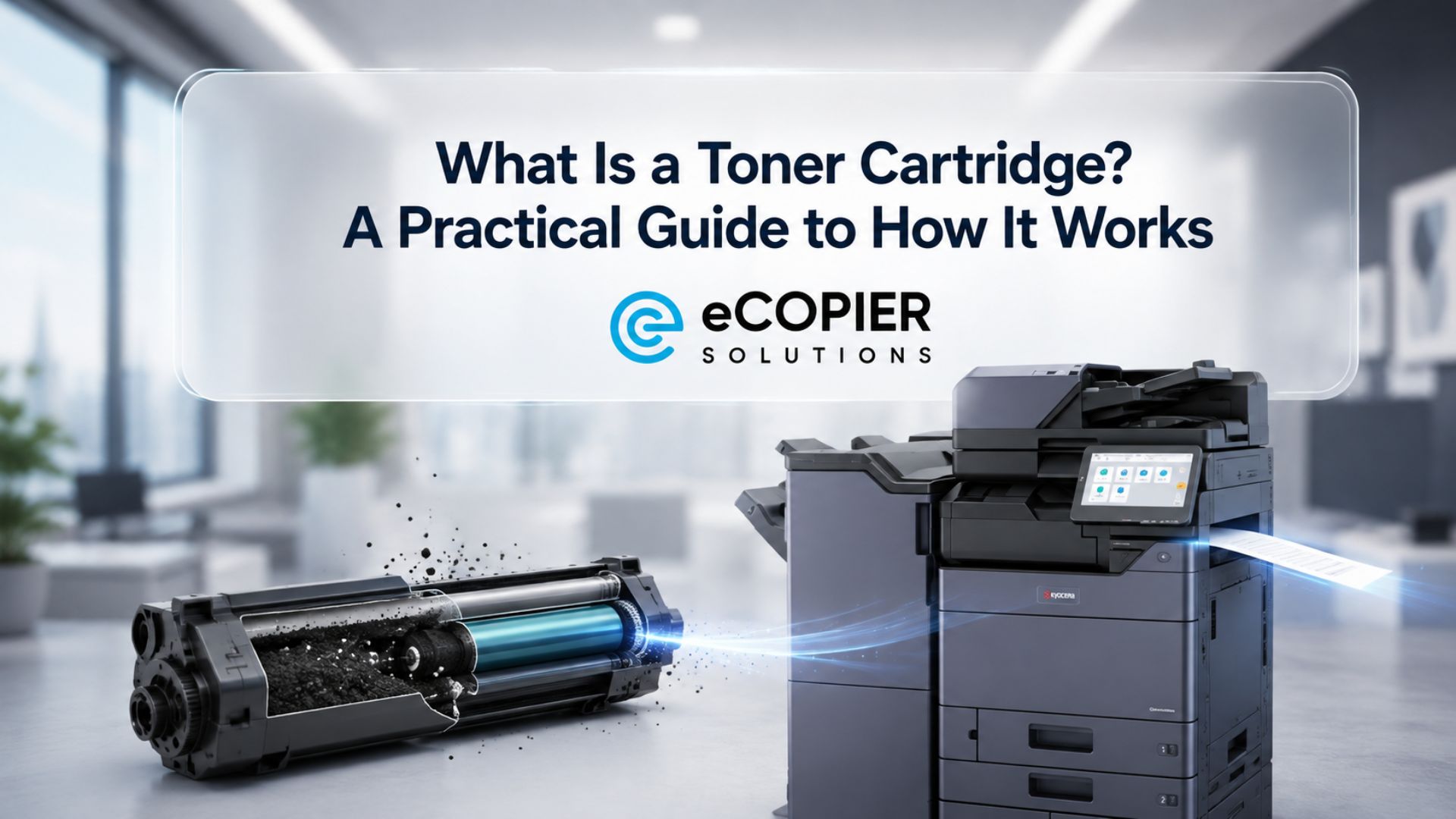
A toner cartridge is a replaceable component used in laser printers, multifunction printers, and many office copiers to supply the powdered toner needed to create text and images on paper.
The toner cartridge meaning becomes clearer once you separate the cartridge from the material inside it. Toner is the fine powder used during printing, while the cartridge stores that powder and delivers it through the printer's imaging system.
Monochrome laser printers generally use black toner. Color laser equipment usually works with cyan, magenta, yellow, and black cartridges, often called CMYK.
Because the toner supply decreases as pages are printed, cartridges are consumable components that eventually need replacement.
How Does a Toner Cartridge Work?
A toner cartridge works by supplying electrically charged toner particles that a laser printer transfers onto paper and then bonds to the page with heat.
The process sounds complicated at first, but we find that it makes much more sense when you follow it in order. Here is what happens during a typical print cycle:
- The printer receives the document. The machine processes the digital information and prepares the page image.
- The laser creates an image on the drum. A laser changes the electrical charge on specific areas of the imaging drum.
- Toner attaches to those areas. Charged toner particles are attracted to the image formed on the drum.
- The toner moves onto the paper. The machine transfers the toner pattern from the drum to the sheet.
- The fuser bonds the toner to the page. Heat and pressure fix the toner in place so the finished print can leave the machine.
That basic process explains why toner belongs to laser-printing technology. Our guide to how laser printers use toner goes deeper into that distinction.
If you are researching a toner cartridge laser printer setup, this printing process is the main reason toner behaves differently from liquid ink.
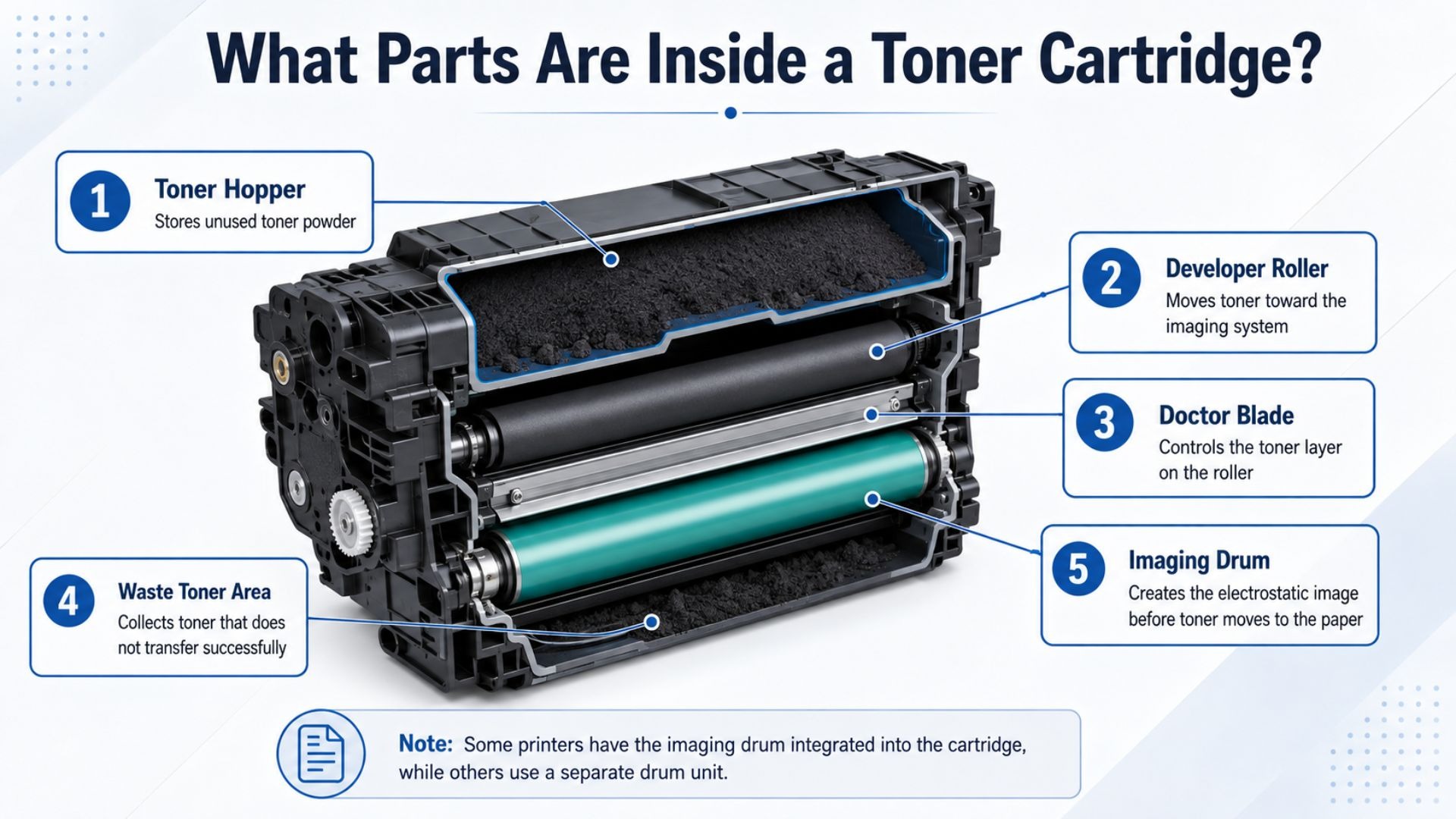
What Parts Are Inside a Toner Cartridge?
The parts inside a toner cartridge control how toner is stored, measured, and moved toward the printer's imaging system.
The exact design depends on the manufacturer and machine, so every cartridge does not look identical inside. Still, several components appear often enough that they are worth understanding.
Here are the main toner cartridge parts you may come across:
- Toner hopper: Stores the unused toner powder until the printer needs it.
- Developer roller: Helps move toner toward the imaging system.
- Doctor blade: Controls how much toner reaches the roller and helps keep the toner layer consistent.
- Waste toner area: Collects toner that does not successfully transfer during the print cycle.
- Imaging drum, when integrated: Creates the electrostatic image that receives toner before it moves to the paper.
Some printers place the imaging drum inside the cartridge assembly. Others use a separate drum unit.
Toner Cartridge vs. Ink Cartridge: What’s the Difference?
A toner cartridge contains powdered toner for laser printers, while an ink cartridge contains liquid ink for inkjet printers.
That difference affects far more than the material inside the cartridge. It can influence print volume, running costs, maintenance, and how well a machine fits an office workflow.
Here are the main differences:
Cost is especially important for businesses that print every day. A 2025 market estimate placed average laser printing costs at about $0.02 per page, compared with roughly $0.10 per inkjet page. Actual costs still depend on the printer, cartridge yield, purchase price, and page coverage.
We cover those operating differences in more detail in our guide to toner vs. ink costs. Or you can watch this video:
Is a Toner Cartridge the Same as a Drum Unit?
The toner cartridge stores and supplies toner. But the drum creates the electrostatic image that receives that toner before the image transfers onto paper.
A toner cartridge and a drum unit perform different jobs, although some printer designs combine them into one replaceable assembly.
Printer design matters here. Some machines replace the drum whenever the toner cartridge is changed. Others use a separate drum that can remain in the printer through several toner replacements.
For that reason, we recommend checking the exact printer model before ordering parts or assuming both components need replacement together.
What Types of Toner Cartridges Are Available?
Toner cartridges are available in several formats based on who manufactures them, how much toner they hold, and whether they are designed for monochrome or color printing.
The differences matter because two cartridges that fit similar machines can still have very different yields or sourcing. So, it helps to know what each label actually means.
Here are the main types:
- OEM toner cartridges: Cartridges manufactured for the original equipment brand.
- Compatible cartridges: Third-party cartridges designed to work with specific printer models.
- Remanufactured cartridges: Previously used cartridge shells that have been restored, refilled, and prepared for reuse.
- Standard-yield cartridges: Options intended for lower or moderate printing volumes.
- High-yield cartridges: Cartridges that contain more toner and can produce more pages before replacement.
- Black and color cartridges: Monochrome printers use black toner, while color laser printers generally use cyan, magenta, yellow, and black.
How Do You Choose the Right Toner Cartridge?
You choose the right toner cartridge by matching it to the exact printer model, required page yield, print volume, color needs, and quality expectations.
We always recommend starting with compatibility because a cartridge that looks similar may still be wrong for the machine. After that, the bigger question is whether its capacity and cost make sense for how your office actually prints.
Here are the details to check:
- Exact printer or copier model
- Cartridge compatibility
- Manufacturer-supported cartridge number
- Standard or high page yield
- Average monthly print volume
- Black-and-white or color requirements
- Cost per page
- Print-quality requirements
For a toner cartridge printer setup, the purchase price alone can be misleading because a higher-yield cartridge may produce a lower cost per page. Quality matters as well. In a 2023 U.S. Morning Consult survey, 86% of small and medium-sized businesses identified quality as the most important printing feature.
If your office uses toner cartridge Kyocera equipment, check the exact machine and cartridge number before ordering.
How Should You Handle, Replace, and Dispose of a Toner Cartridge?
A toner cartridge should be handled carefully, replaced when its supply or print quality indicates it is due, and recycled through an appropriate program whenever one is available.
Careful handling helps protect the cartridge and the printer around it. And once the cartridge is empty, responsible disposal keeps a large piece of office waste out of the regular trash stream.
Here are the main points to remember:
- Handling: Keep the cartridge level, avoid touching sensitive surfaces, and follow the manufacturer's installation instructions. If loose toner appears around the cartridge, our guide explains how to clean a toner cartridge safely.
- Replacing: Pay attention to low-toner alerts, faded output, inconsistent print density, and the machine's cartridge-status information.
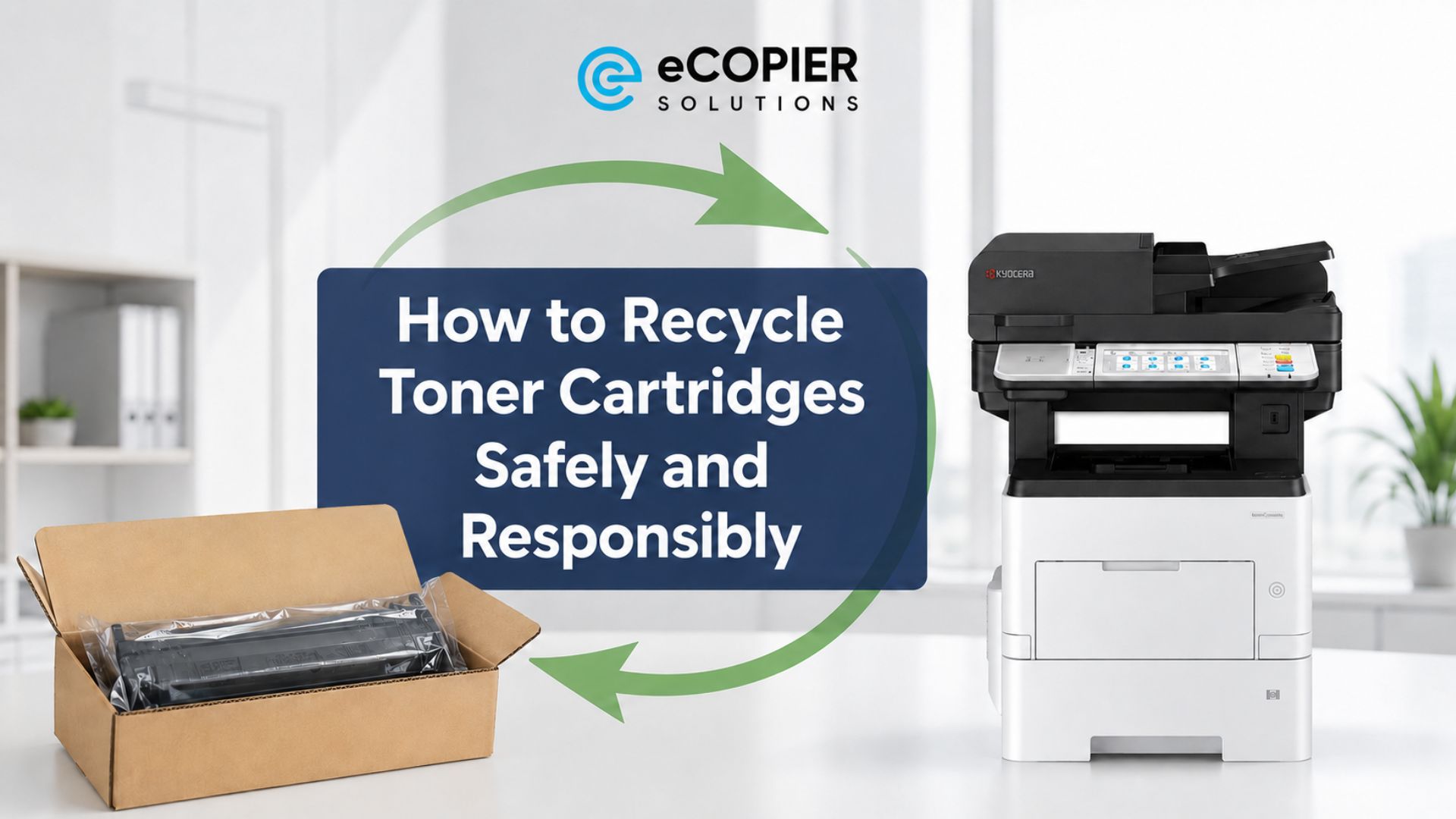
- Disposing or recycling: Check manufacturer return programs and appropriate electronics or office-supply recycling services in your area.
A peer-reviewed 2020 study estimated that more than 375 million empty ink and toner cartridges were discarded annually in the United States, with most going to landfills. That scale makes toner cartridge disposal worth thinking about before an empty cartridge goes into an ordinary trash bin.
How Can eCopier Solutions Help You Manage Toner and Office Printing?
eCopier Solutions can help your business choose and manage a printer or multifunction copier that fits your print volume, color needs, workflow, and ongoing toner requirements.
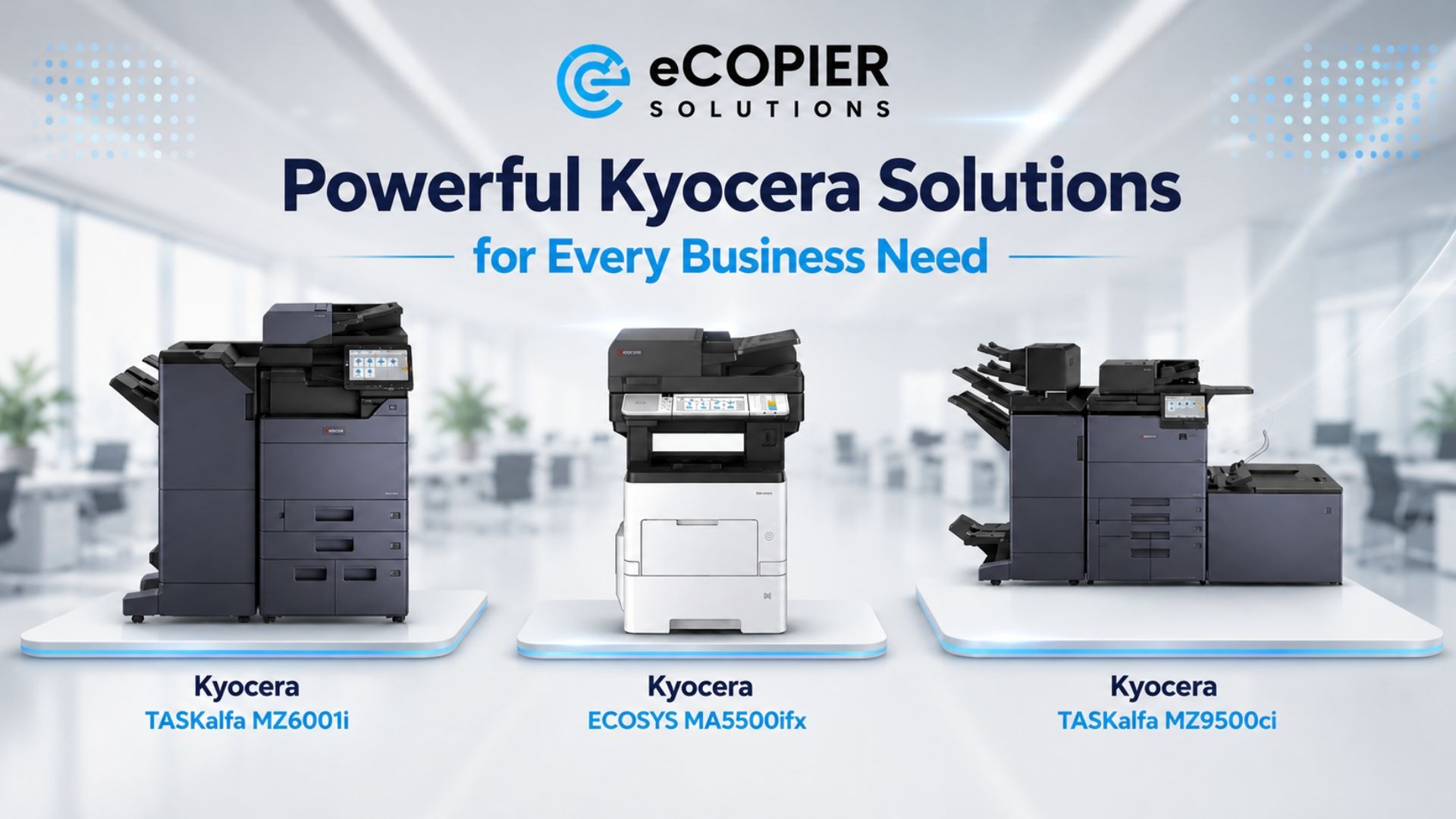
We work with Kyocera equipment for businesses that need dependable office printing without having to manage every supply and service issue separately. Our leasing options can bundle the equipment with toner, maintenance, setup, shipping, and ongoing support, so regular toner replenishment becomes easier to plan around.
That matters most in offices where printing is part of the daily workflow and downtime quickly becomes a problem.
If you are reviewing your current equipment or planning a new setup, check out our copier and printer leasing with toner included to see how we can support your office printing needs.
FAQs
How Many Pages Can a Toner Cartridge Print?
A toner cartridge can print anywhere from hundreds to thousands of pages, depending on the cartridge and printer. Page yield also changes with standard or high-yield capacity, page coverage, and document type, so use the manufacturer’s rated yield as your starting point.
How Long Does a Toner Cartridge Last?
A toner cartridge can last from weeks to years, depending on how often you print and how it is stored. Busy offices may use one quickly, while an unused cartridge can last much longer when storage conditions and manufacturer recommendations are followed.
Can I Refill My Own Toner Cartridge?
Some toner cartridges can be refilled, though the process depends on the cartridge design, reset chip, toner formula, seals, and printer compatibility. We recommend checking manufacturer guidance first because improper refilling can cause toner spills, print-quality problems, or cartridge-recognition errors.





.webp)

.png)