A spreadsheet that’s too small to read or a form with its last line cut off can turn a quick print job into wasted paper. Sometimes, the fix starts with choosing the right printer paper size and matching it to your document.
In this guide, we’ll help you choose the right sheet with a clear comparison chart and practical advice on print settings.
TL;DR
- Letter is the usual US office format at 8.5 × 11 inches.
- A4 measures 210 × 297 mm and is common outside North America.
- Legal measures 8.5 × 14 inches, with extra length for longer forms.
- Tabloid and Ledger share an 11 × 17-inch sheet for larger layouts.
- Executive measures 7.25 × 10.5 inches.
- Your document and print settings should match the loaded paper.
- Scaling can resize labels and templates, so check their measurements.
- Printer support can differ between trays and functions, especially for automatic duplexing.
- eCopier can help match equipment to your required formats and monthly office printing workload.
Is Printer Paper A4 or Letter?
Letter is the usual choice for everyday office printing in the US and Canada, while many other countries use A4. This explains why the standard printer paper size may differ when paperwork comes from an overseas office.
The difference between Letter and A4 is easy to miss because the sheets look so similar. But A4 is taller and narrower, which can affect the margins when you print the same file on either format.
So we recommend checking the paper wrapper and the document’s page setup before printing unfamiliar paperwork. For example, a template from a UK supplier may still use A4 even after you open it on a US computer. And if the recipient specifies a format, those instructions take priority.
The video below gives a quick overview of common paper sizes and how they differ.
Printer Paper Size Chart
Paper dimensions tell you the size of a sheet, but your printer determines whether it can handle that format and how much of the page it can print on.
With that in mind, here are the common paper sizes for printing and the office jobs they suit:
In each measurement, the first number is the sheet’s width and the second is its height.
For A-series formats, the inch conversions are rounded to two decimal places. US formats use inch dimensions, so their metric values can include decimals.
These measurements come from RPI’s paper size reference and Microsoft’s list of paper formats.
You may also see Ledger listed separately in your software, with the width and height reversed. And if you need larger architectural or engineering formats, you’ll need to check whether your equipment supports them.
With those details covered, here’s a closer look at the common formats and when to use each one.
Letter Paper Size
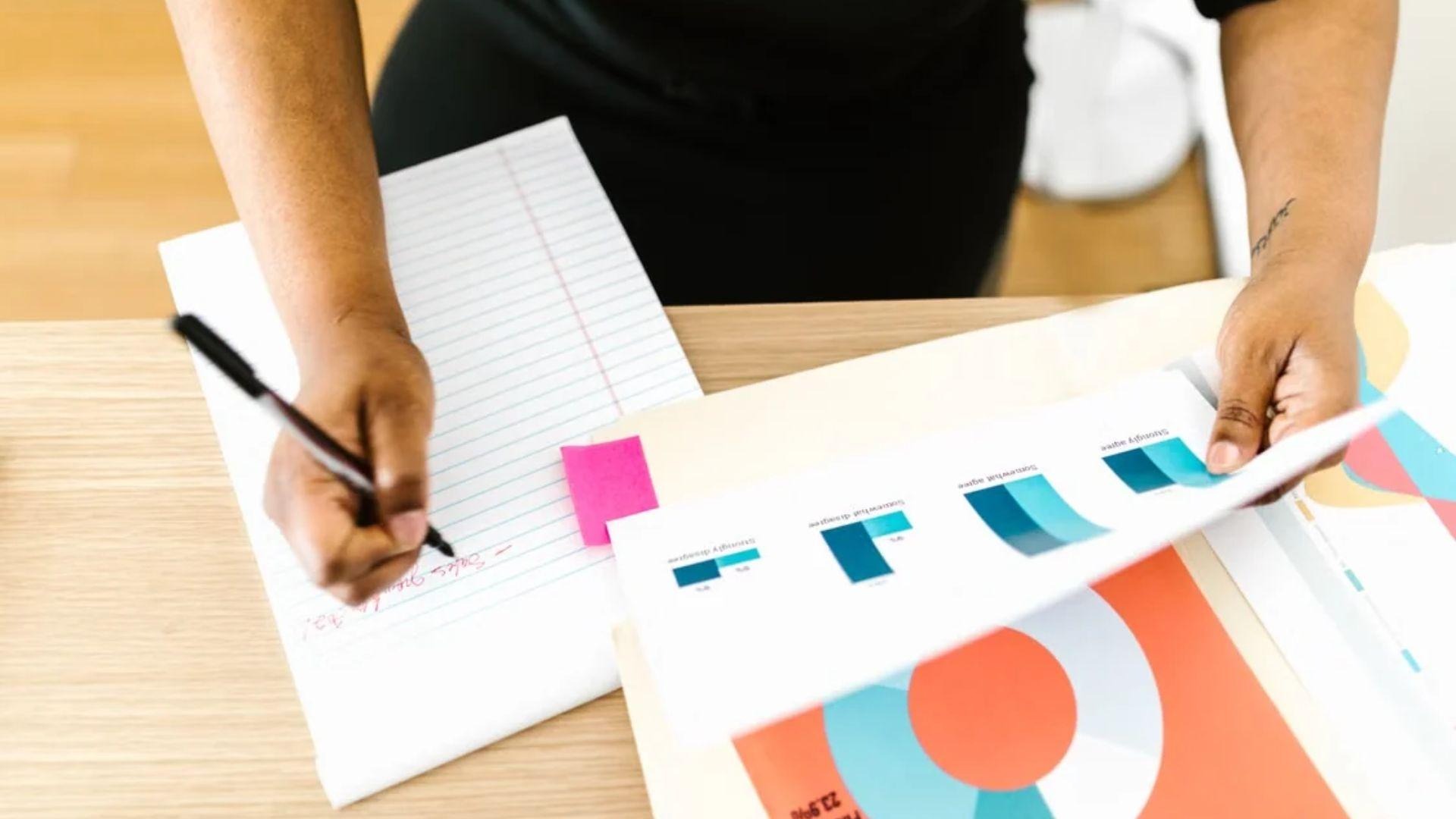
Letter is the everyday format for most US office reports and correspondence. Existing company templates are usually built around it, so it’s a sensible starting point for routine paperwork.
It’s also one of the common US paper sizes you’ll see on office supply orders, and suppliers typically state the Letter paper size in inches on the wrapper. Still, a downloaded template can use another format, so its page setup needs a quick check before you add your content.
Legal Paper Size
Legal gives longer forms additional vertical space while keeping Letter’s width. That extra length can accommodate more text or leave room for a signature section.
The dimensions listed by RPI give Legal an area of 119 square inches, compared with 93.5 square inches for Letter.
We can calculate the percentage increase with this formula:
So Legal provides about 27.3% more sheet area, while the margins determine how much space is available for text. Before choosing it for a legal document, we recommend checking the recipient’s requirements to confirm the format they expect.
A4 Paper Size
The A4 paper size in millimeters is the defining specification, while the inch measurements are rounded conversions. That’s why packaging may show slightly different decimal values for the same sheet.
Compared with Legal, A4 is both narrower and shorter. So if you’re adapting a Legal document for A4, we recommend reviewing the layout after changing the page size. A few adjustments to spacing or page breaks can help keep the text readable and leave enough room for the form’s fields.
Tabloid and Ledger Paper Size
Tabloid and Ledger use the same sheet, but some software uses Tabloid for portrait orientation and Ledger for landscape. You may also see this format listed as 11 × 17 inches. The tabloid paper size gives wide spreadsheets more room than Letter.
At 187 square inches, the sheet has twice Letter’s area, so it also works well for folded handouts. For a booklet, the print settings need to arrange the pages so they appear in the correct order after folding.
Other Common Paper Sizes
A3 gives diagrams and larger layouts more room, while A5 and A6 suit smaller handouts or inserts. Within the A series, each step down is approximately half the previous sheet’s area, with dimensions rounded to whole millimeters.
Statement is another compact option for office handouts. But A3 and Tabloid have different dimensions despite similar uses, and smaller sheets still need a suitable feed path. A format that looks convenient on screen must also work with the paper and equipment available.
Executive Paper Size
Executive is a smaller office format you may encounter in stationery or an existing document template. It can look close enough to a routine office sheet that someone selects it without noticing.
The packaging and page setup should identify it by name or by the dimensions in the chart.
We recommend checking both when an older template produces unexpected page breaks. If the recipient requests Executive, keep that format through the document and print settings. Otherwise, confirm their requirements before changing the file just to match the paper already loaded.
How to Change Paper Size on a Printer
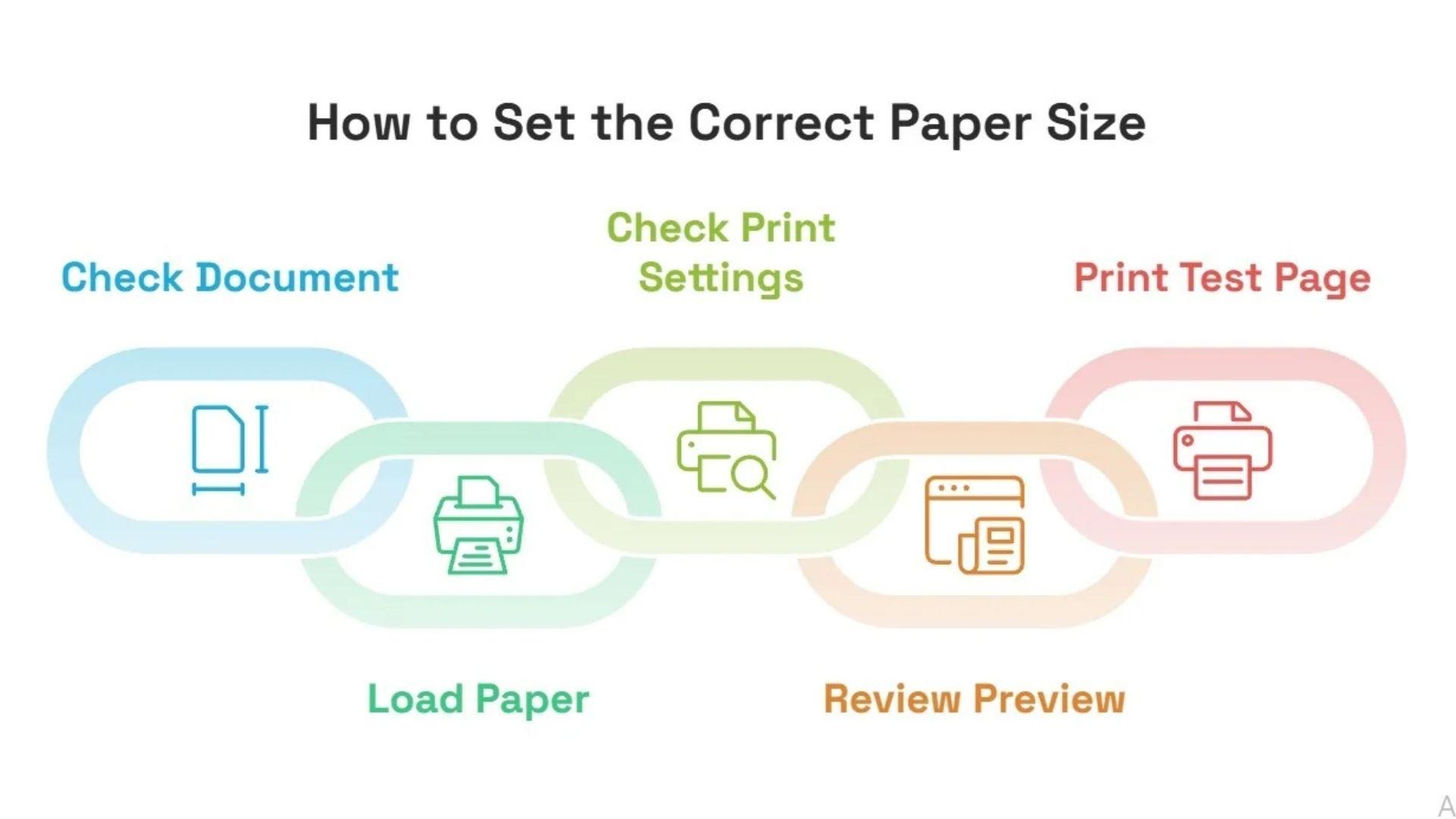
You can change the paper format through your document’s page setup and the printer’s settings. Both should match the paper loaded in the tray.
Here’s how to check them before printing:
- Document size: In Word, the setting is under Layout > Size. Other applications may call it Page Setup. After changing it, check whether the page breaks still make sense.
- Paper tray: The guides should fit against the loaded sheets without bending them. If the printer asks you to confirm the paper size, select the format you’ve loaded.
- Print settings: On Windows, paper controls are usually under File > Print > Printer Properties or Preferences. On macOS, look under File > Print > Paper Size. Menu names vary.
- Preview and scaling: The preview should show the page in the intended orientation. Check footers and text near the edges, especially if you’ve changed the scale.
- Test copy: One printed page lets you check the result before sending the rest of the job.
For example, a portrait A4 page fits within a Letter sheet at approximately 94.1% scale.
This calculation uses the sheet dimensions. Your printer’s margins may require further reduction.
Adobe’s Fit setting resizes a document to fit the area your printer can print on. This works well for everyday paperwork, but labels and measured templates need to keep their original dimensions.
For those, we recommend selecting the intended paper size and printing at 100% scale, with a preview check before you send the job.
What Paper Sizes Can My Printer Use?
Your printer’s model specifications list the paper sizes it supports, although the limits can differ between trays and functions.
So before buying a different format, we recommend checking these details:
- Sheet dimensions: The tray or manual feed needs to accept the sheet’s full width and length.
- Paper weight: A sheet can be the right size but too heavy for the selected tray. Our guide explains what GSM means for printer paper.
- Two-sided printing: Some formats work for single-sided output but need manual handling when you print on both sides.
- Copying and scanning: The feeder may have different limits from the print trays, so check the document feeder’s paper compatibility for the originals you use.
If larger sheets are a regular requirement, it may be time to consider equipment that supports them.
Pro Tip: Before choosing your next machine, check out our guide on how paper size affects copier cost to see which features fit your needs and budget.
How eCopier Solutions Helps You Choose a Printer
At eCopier Solutions, we can help you choose a machine based on your printer paper size requirements and how much you print each month. An office that regularly needs larger spreadsheets has different requirements from one that mainly uses Letter, so we start with the documents you actually print.
From there, our office copier leasing and support can help you find suitable equipment and get it set up. Depending on your plan, toner and maintenance may also be included.
Contact us today, and we can help you choose a printer that supports the paper sizes your office needs.
FAQs
Is Folio the Same as Legal?
No. Folio measures 8.5 × 13 inches, while Legal measures 8.5 × 14 inches. Since regional names can vary, we recommend checking the dimensions before ordering paper.
Why Are There Two B5 Paper Sizes?
The International Organization for Standardization (ISO) and Japanese Industrial Standards (JIS) define B5 differently. ISO B5 measures 176 × 250 mm, while JIS B5 measures 182 × 257 mm. Your paper and printer settings should use the same version.
Can Every Printer Print Without Borders?
No. Borderless support depends on the printer model and the selected paper. Some printers offer it only for certain photo formats. Borderless modes may also crop image edges, so important text should stay away from the border.
What Size Is Printer Paper in Pixels?
There is no fixed pixel size because it depends on the image resolution. Multiply each dimension in inches by the pixels per inch. For example, an 8.5 × 11-inch Letter page at 300 PPI needs an image of 2,550 × 3,300 pixels.