You need replacement supplies, but someone else bought the office printer and the old packaging is long gone. Its plastic casing gives you very little to work with.
If you're wondering how to know if your printer is inkjet or laser, a few checks can settle it.
Today, we'll explain how to identify these printer types through information on the machine or in its documentation, without guesswork.
TL;DR
- Your printer’s exact model and manufacturer specifications provide the clearest identification.
- Inkjet machines use liquid ink, including models with refillable tanks.
- Laser models use powdered toner, while LED machines use toner too.
- Nozzle checks suggest inkjet technology. Toner status indicates toner-based equipment.
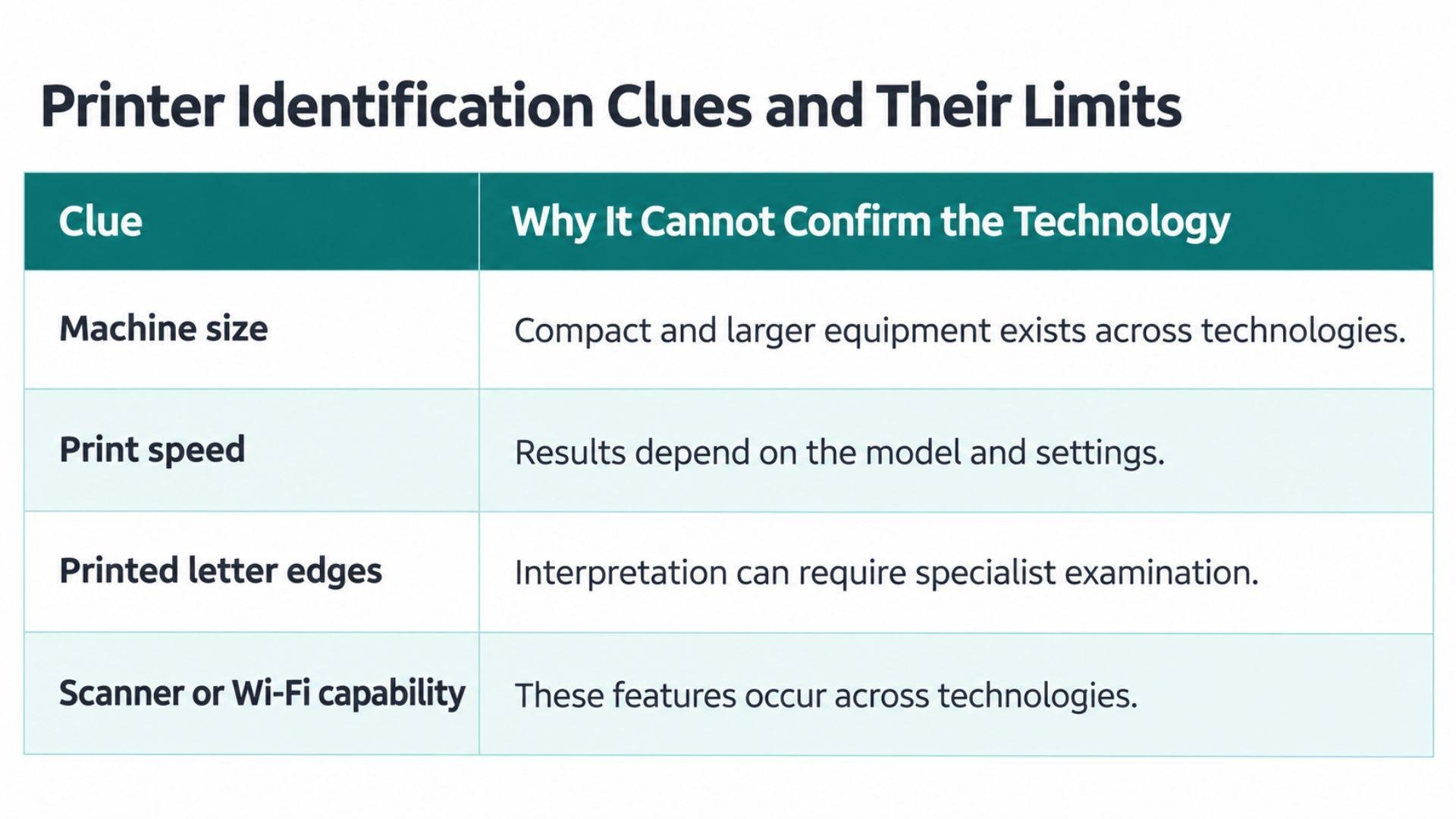
- Size and print speed cannot reliably confirm the printing technology.
- Color output is available from both technologies on suitable models.
- A heated fuser bonds toner onto the paper.
- Replacement numbers must match equipment. Costs and suitability vary by model.
- Printer ink exposure needs product-specific guidance, especially if swallowed.
- eCopier offers business equipment leasing with toner and ongoing support.
How to Know if Your Printer Is Inkjet or Laser
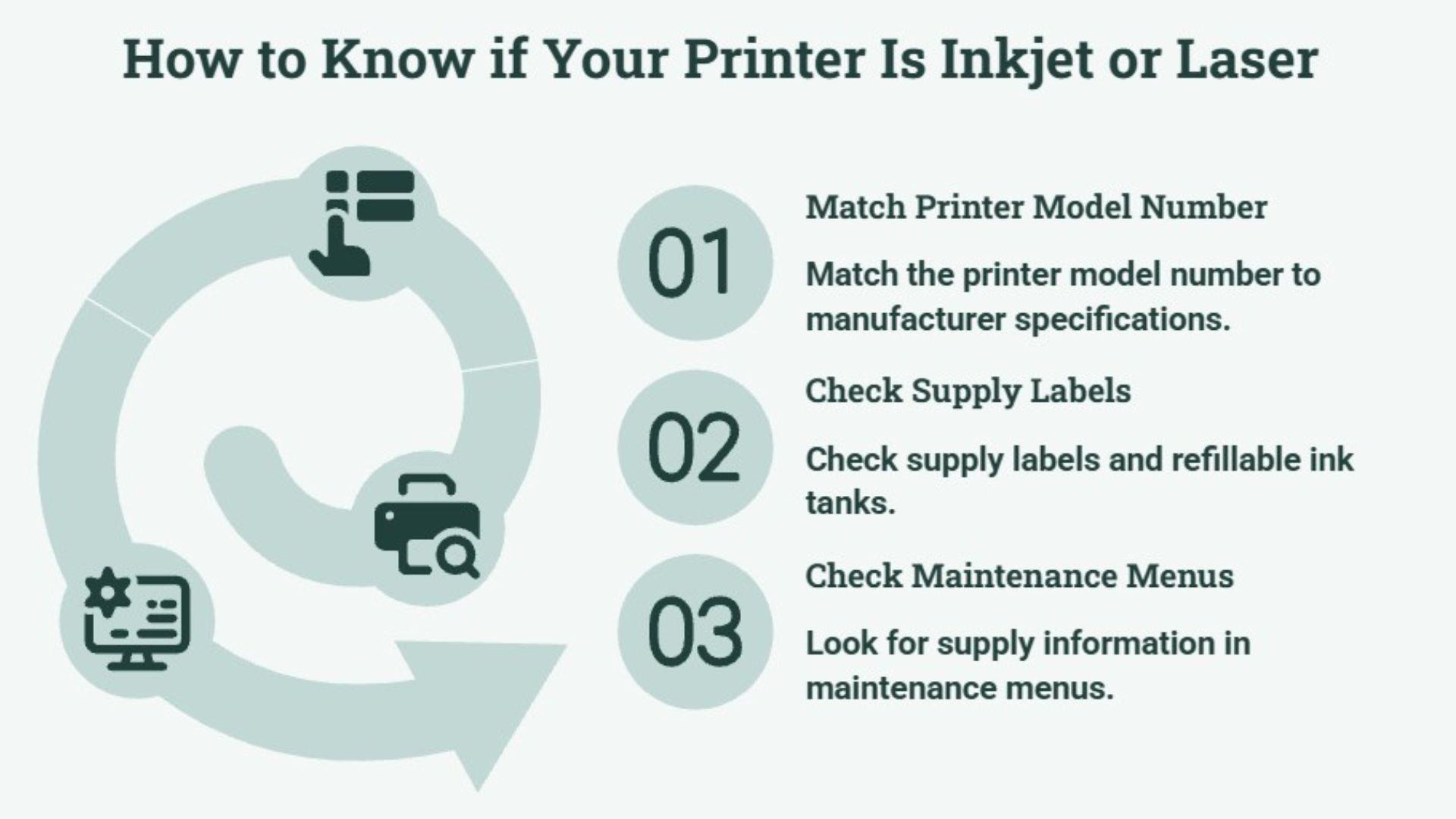
Your clearest confirmation comes from matching the exact model to the manufacturer's specifications, while supply labels and maintenance menus provide additional checks. If some information is missing, you can move to another method.
You can also watch this one-minute comparison of inkjet and laser printers for a quick visual explanation.
1. Match the Printer Model Number to Manufacturer Specifications
The front panel may show the model, although the full identifier sometimes appears on an information label at the rear or underneath. The serial number identifies your individual unit, while the model identifies the equipment version. That’s the detail you need here.
Once you have that identifier, you can find the manufacturer's official product or support page. The specifications may list print technology or printing methods. An exact match matters here because a similar name can refer to different equipment.
If you cannot reach the label, the machine's information screen or an existing manual may help. Your computer's printer settings can also display a name, though someone may have renamed that connection.
For example, a shared device called Reception Printer tells you where people use it. That name says nothing about the technology inside, so we recommend cross-checking it against the equipment documentation. A brand name alone cannot confirm the answer either.
2. Check Supply Labels and Refillable Ink Tanks
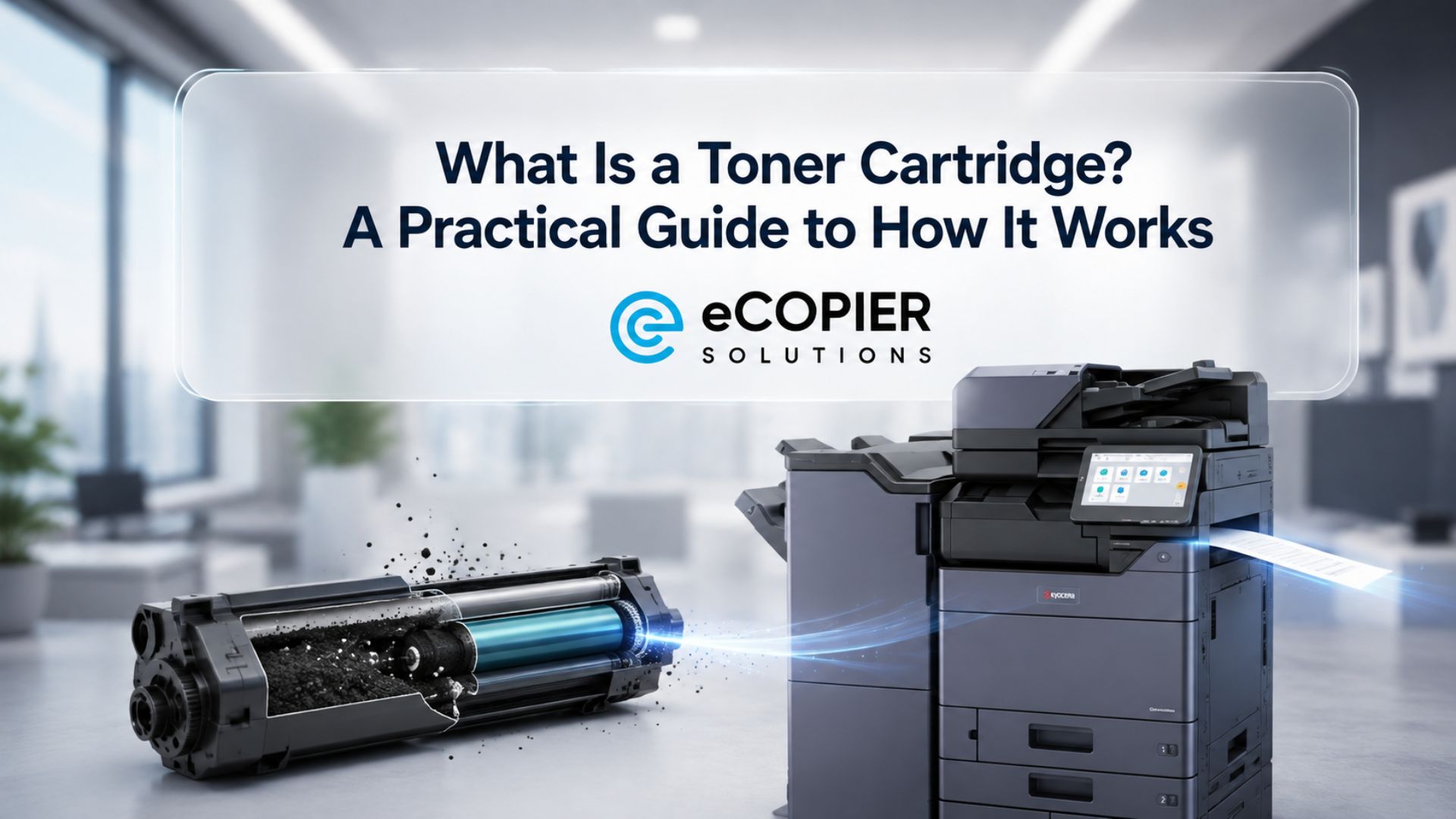
The label gives you a clearer answer than the container's size. Ink cartridges hold liquid ink, while toner cartridges contain powder. The word cartridge alone covers both, as our guide to the difference between toner and a cartridge explains.
An ink tank printer uses refillable reservoirs and still belongs to the inkjet category. So, a machine without conventional inkjet printer cartridges may simply take bottled refills.
A 2023 Consumer Reports comparison estimated annual ink costs of $148 for a Canon PIXMA TR4722 and $5 for an Epson EcoTank ET-3850. Both were inkjets. Those historical estimates apply to the selected models, but they show how supply arrangements can differ within one technology.
There is another exception. LED equipment also uses toner, so manufacturer specifications distinguish it from laser technology.
If you inspect the supplies, we recommend staying within the normal user-accessible compartment described in the manual. The cartridge itself can stay closed. Its label and supported replacement information should provide what you need without contact with its contents.
3. Look for Supply Information in Maintenance Menus
Your device’s maintenance menu may offer another clue about the supplies it uses. Nozzle checks and printhead alignment options point to an inkjet system. A toner-status screen indicates toner-based equipment.
These options may appear on the control panel or in the manufacturer’s software. Their location varies, so there is no single menu route that works everywhere.
However, a missing nozzle-check option does not mean the machine uses laser technology. Generic drivers or restricted office access can hide maintenance tools. If the menus provide no clear answer, the manufacturer’s specifications remain your best reference.
Why Appearance and Print Speed Cannot Confirm the Printer Type
The difference between inkjet and laser printers can be hard to judge from appearance. Familiar shortcuts leave room for mistakes because features overlap between individual models.
Here are their limits.
What to Check Before Buying Replacement Supplies
Once you know whether your printer uses ink or toner, the next step is to check compatibility. The supported replacement number must match your equipment, even if another container looks almost identical.
The alert also matters. A separate drum warning or waste-toner message may concern a different component, so another refill could leave the original problem unresolved.
We recommend keeping the confirmed model and replacement number in a shared office record. That gives whoever places the next order something dependable to follow.
For laser printer toner, replacement planning also depends on actual consumption.
Our guide explains how long laser printer toner lasts and what affects the interval.
How eCopier Solutions Can Help With Office Printing
At eCopier Solutions, we help businesses select office equipment and manage ongoing toner requirements through applicable leasing arrangements.
Once you know what your current machine uses, you can decide how much of its upkeep your team wants to handle.
Our copier and printer leasing with toner included can bring equipment and replenishment together, with maintenance and ongoing support under the agreed arrangement.
Conclusion
If you've been unsure how to know if your printer is inkjet or laser, you can now keep the confirmed details for future orders. A permanent note of the equipment and supported replacements gives everyone in the office the same reference. Then the next person responsible has a clear starting point.
If supply orders and service calls take too much of your team’s time, we can help you find equipment with ongoing toner and maintenance support.
Your next step is to request an office printer quote so we can discuss buying or leasing options that fit your workload and budget.
FAQs
Why Is Printer Ink So Expensive?
Printer ink pricing reflects its formulation and cartridge system, alongside the manufacturer's pricing model. A low equipment price can come with expensive refills. So, the cost of ownership deserves attention before you commit to another machine.
How Does a Laser Printer Work?
A laser forms an electrostatic image on a drum, which attracts toner for transfer onto the paper. Then a fuser bonds the powder through heat and pressure. The laser creates the image, while the fuser performs the final bonding step.
Are Inkjet Printers Better Than Laser Printers?
Neither technology suits every job. An inkjet vs laser printer decision depends on your work, whether that means detailed photos or repeated document printing. You can compare inkjet and laser printers for your business before choosing.
Is Printer Ink Toxic?
Printer ink can be harmful, and the risk depends on its formulation and the exposure. The product's safety information provides specific guidance. Illinois Poison Center advises contacting a poison center if printer ink is swallowed, so ordinary pen-ink advice should not be assumed to apply.
Are Regular Printers Inkjet or Laser?
Regular printer is an informal description that can mean either. An inkjet printer may be familiar at home, but familiarity cannot confirm its printing technology. Cartridge inkjets accounted for 60% of printers in Consumer Reports' 2025 member sample. That figure does not represent all US households.